The Contracts module covers the whole lifecycle of commercial contracts: registration, contracted items, the partner's work points, billing schedule, rents, related documents and the invoices issued under the contract.
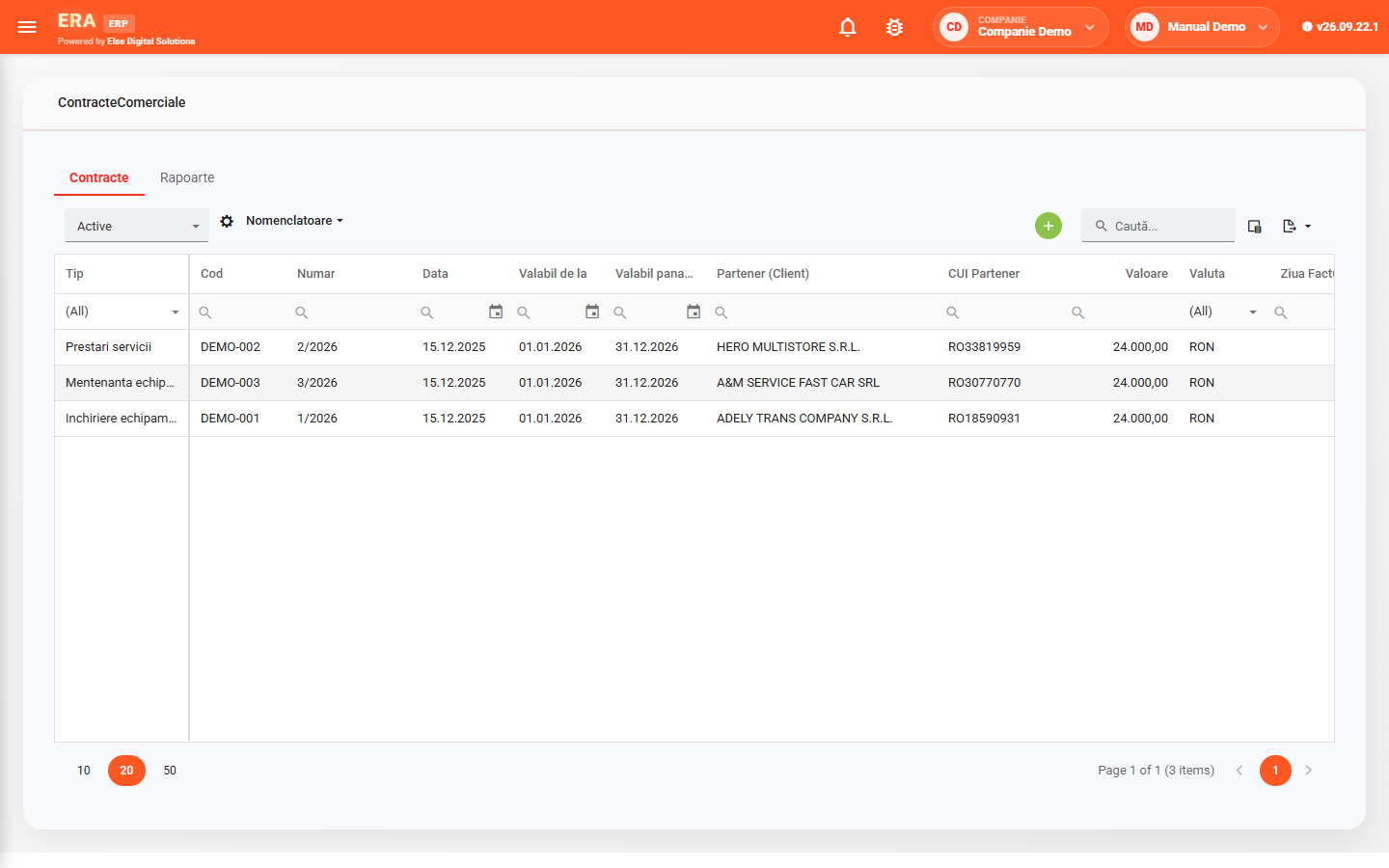
The contract list shows type, code, number, date, validity period, partner, tax ID, value, currency and billing day, with status filters (active, historical) and Excel export.

Choose the invoice type and date, click Generate invoices, and the application creates the invoice with the contract lines and one document per instalment.

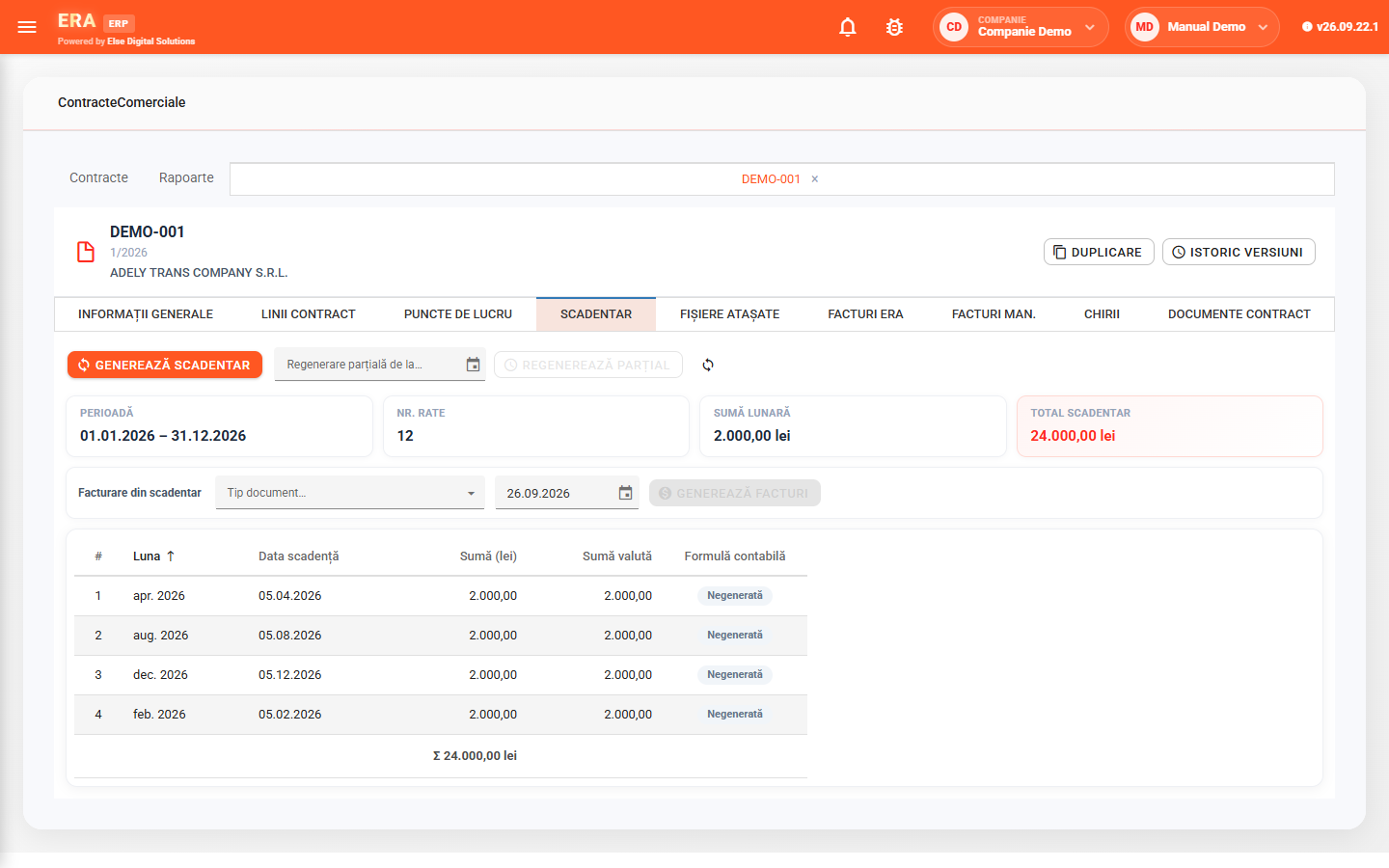
The schedule splits the value into instalments by period and frequency; if the lines change, you regenerate it partially, from a chosen date.

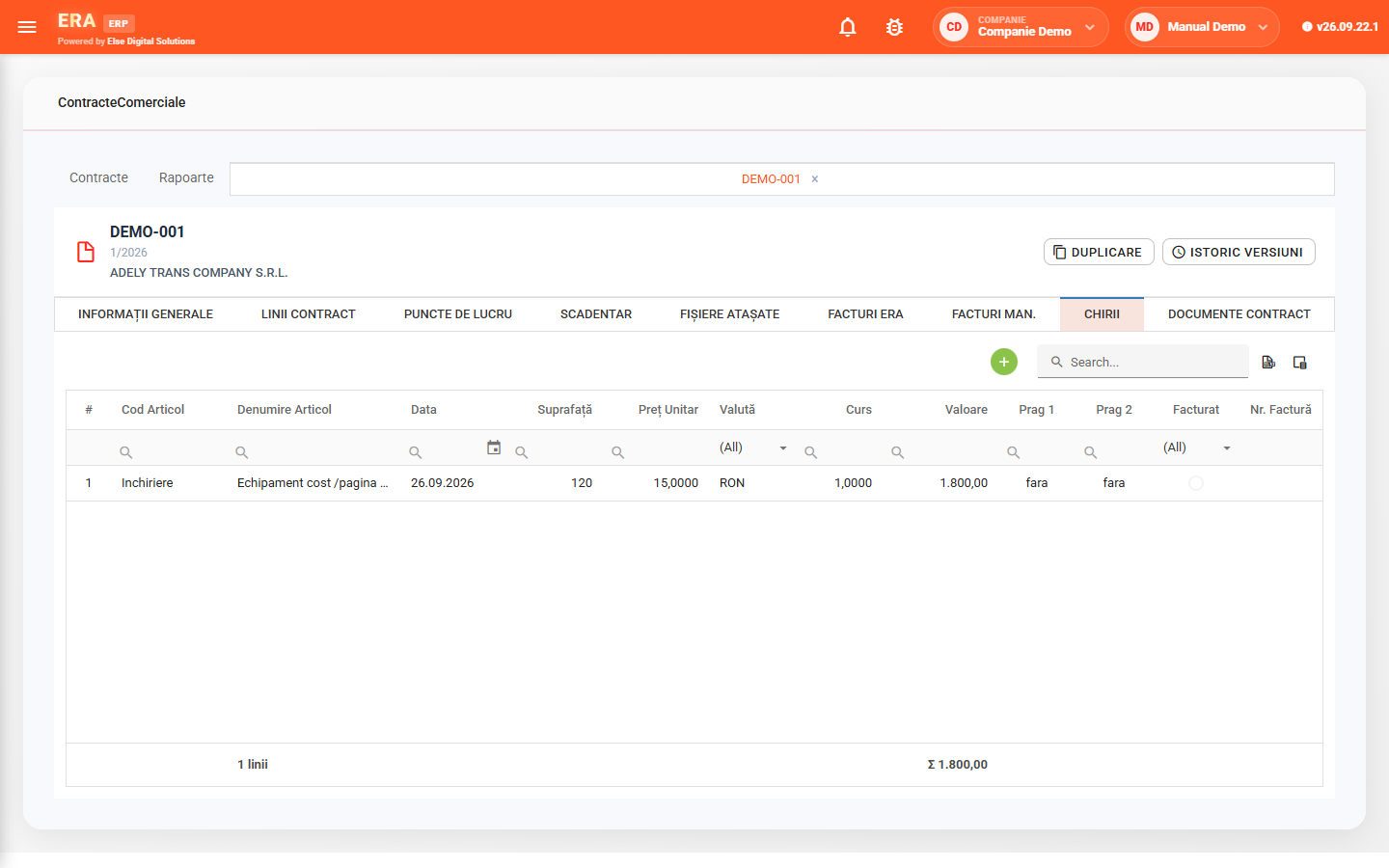
For leases you keep rents by item, date and area, with currency and rate, adjustment thresholds and invoicing status.

Every change stays in the version history, with date, user and value; a contract can be duplicated together with its lines.

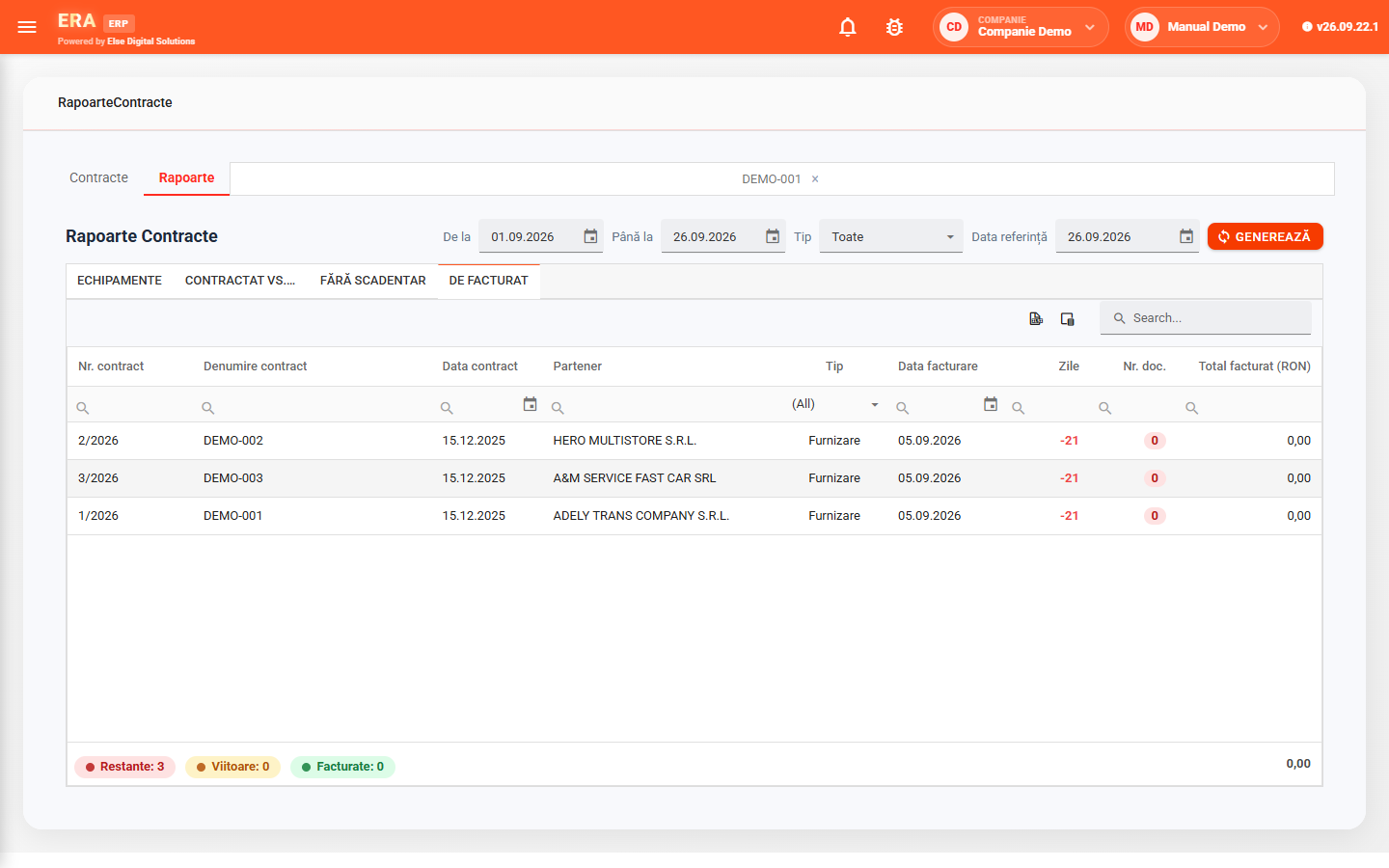
Reports show contracts to invoice (overdue, upcoming, invoiced), those without a schedule, contracted vs. delivered and equipment placed under contracts.

Each category has its types, visible tabs and allocation rules; equipment is tracked by category, brand, model and serial number.
Fill in the validity, the partner (code, tax ID and VAT status are filled in automatically), type, value and the Invoice section: frequency, billing day, default document type and payment days.
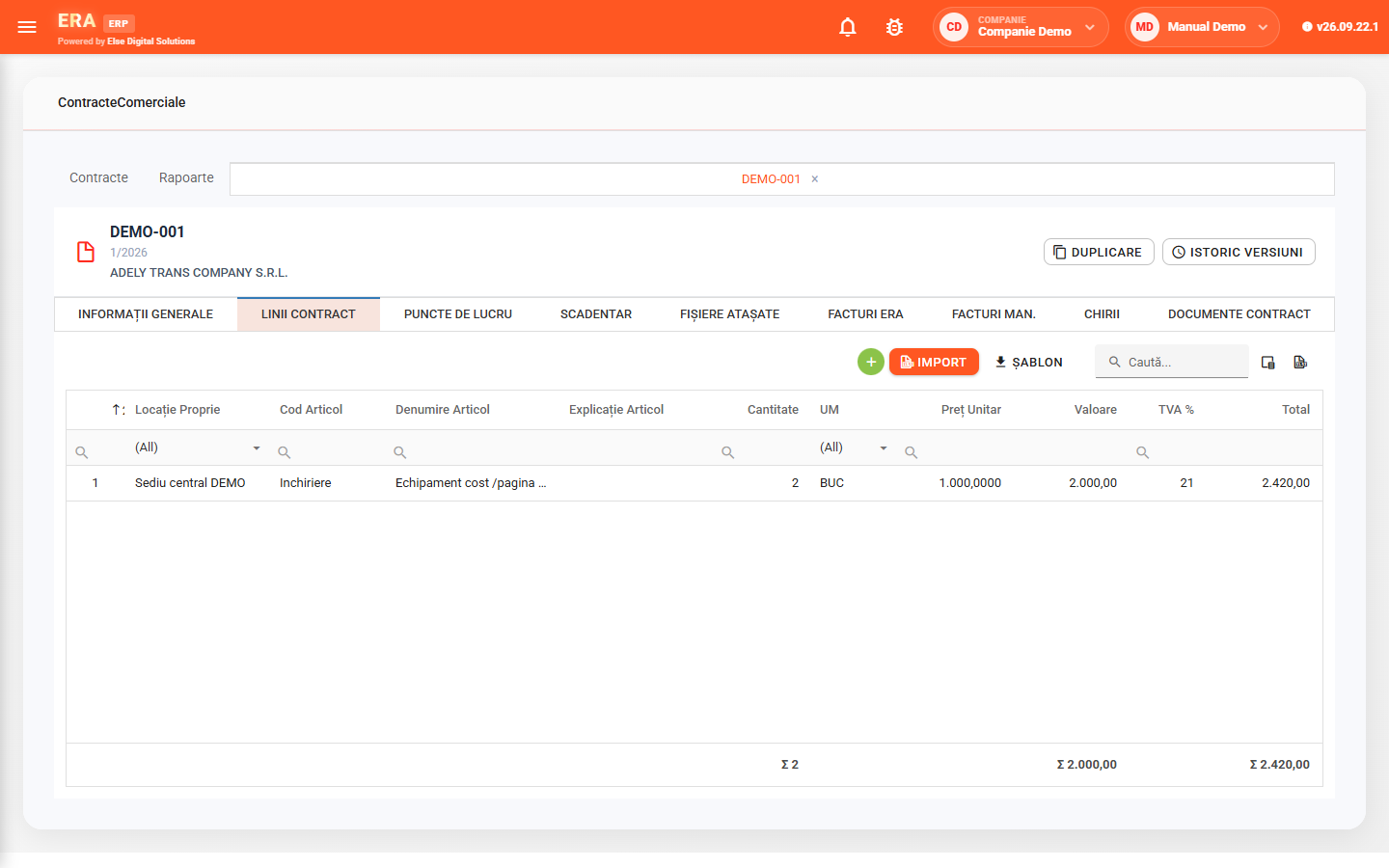
Contract lines are added manually or imported from a file, using a template.
On lease contracts you add item, date, area and unit price; the value is calculated automatically, in the chosen currency and rate. The Invoiced column shows what has already been invoiced.
Generate schedule splits the value into instalments, with month, due date and amount in local and foreign currency. From the "Invoice from schedule" bar you choose the invoice type and date, and the invoices then appear in the ERA invoices tab.
The To invoice report shows, for an interval, the contracts to invoice, with billing date and days left, grouped into overdue, upcoming and invoiced.