Archiflow covers the entire document lifecycle — from registration in the registry, through template generation, workflow approval, to electronic signature and archiving. The electronic registry manages incoming, outgoing and internal documents, with automatically generated registration numbers and special registers (decisions, contracts, dispositions, letters) for each document type. It runs directly in the browser, with no installation — hosted by Digisinergy or in the institution's own infrastructure, with the same functionality.

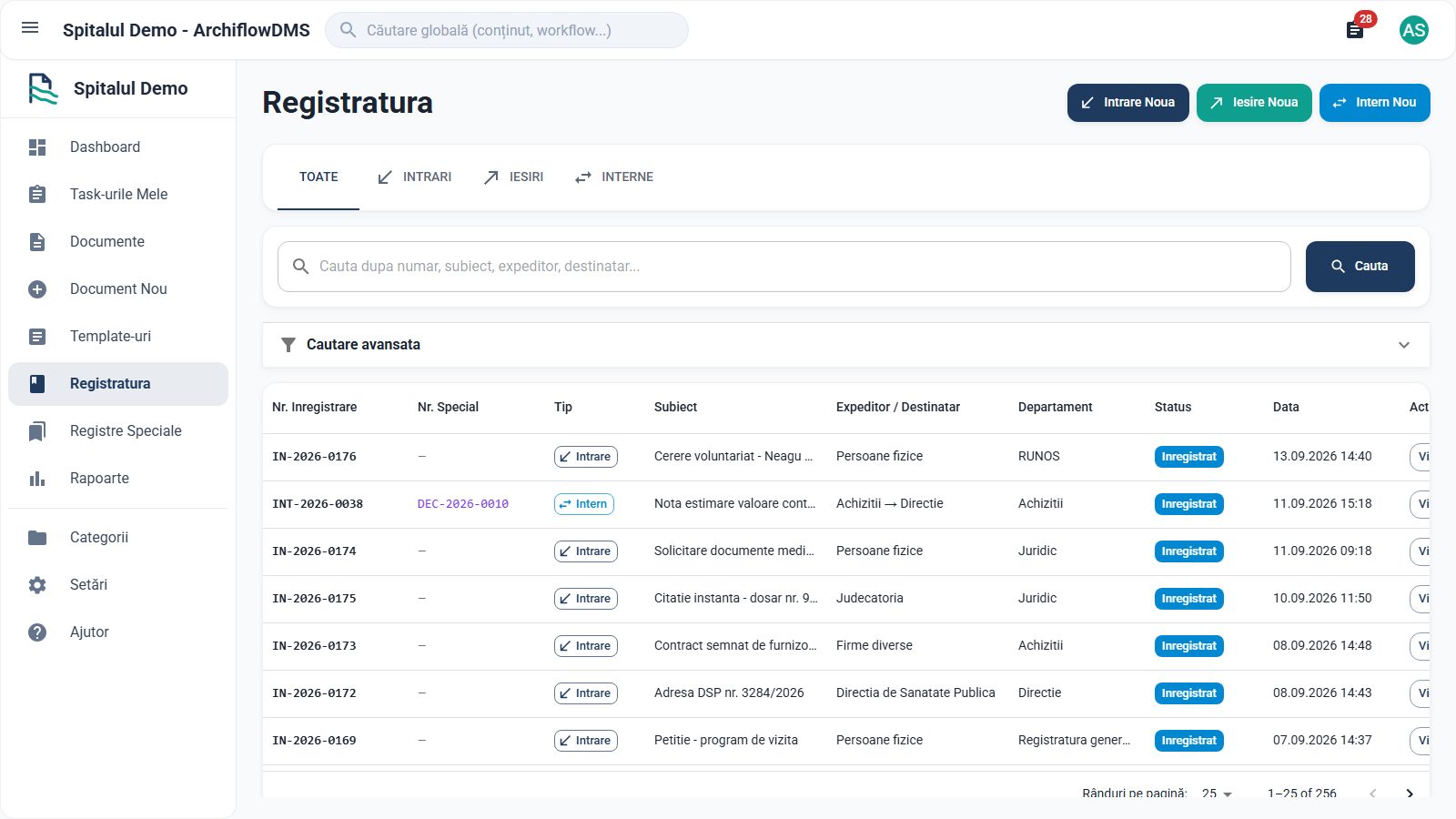
Automatic yearly numbering for incoming, outgoing and internal documents, with special registers for decisions, contracts, dispositions and letters.

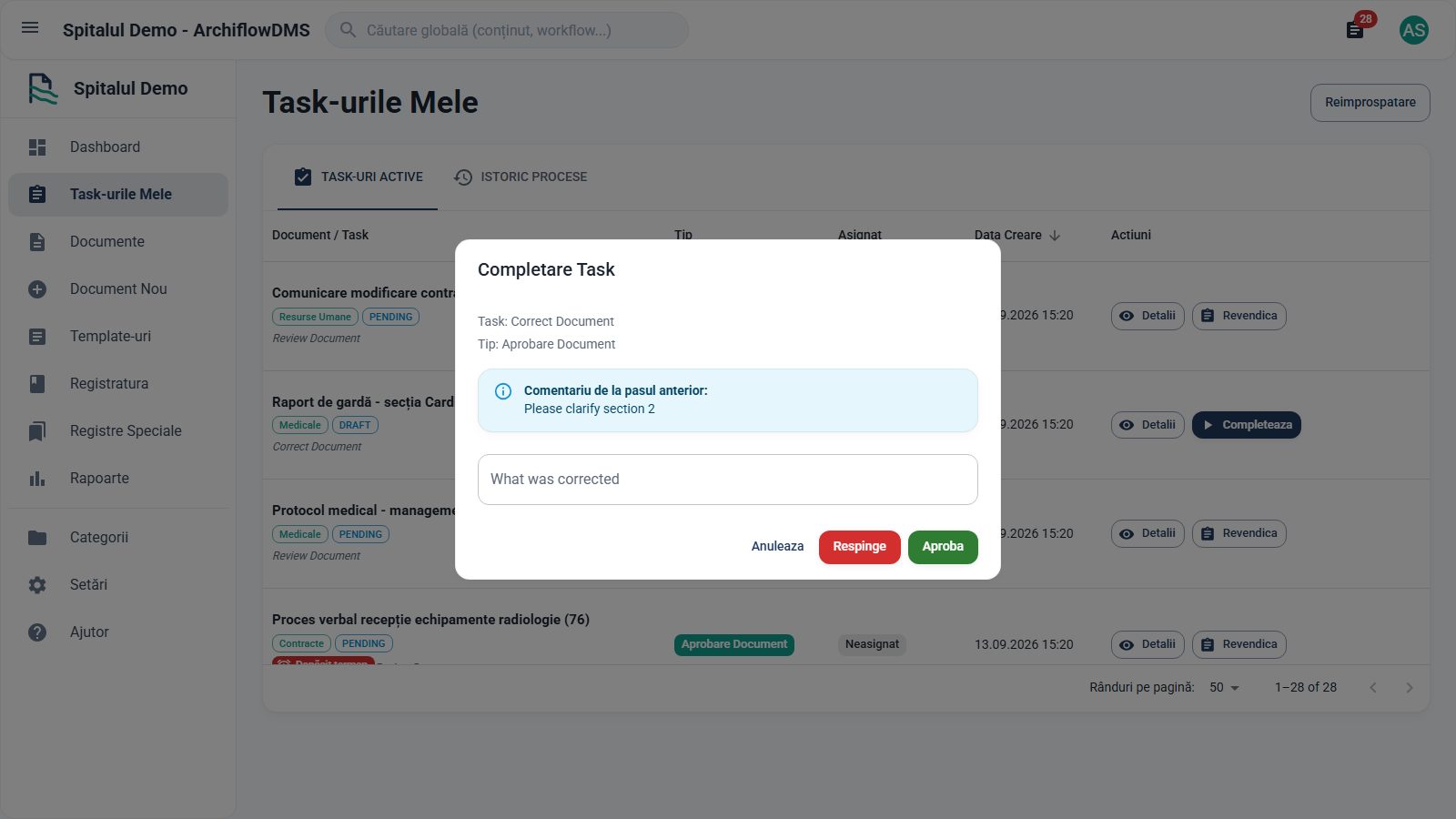
Approve, reject or send back for corrections, with deadlines and a complete history of every step.

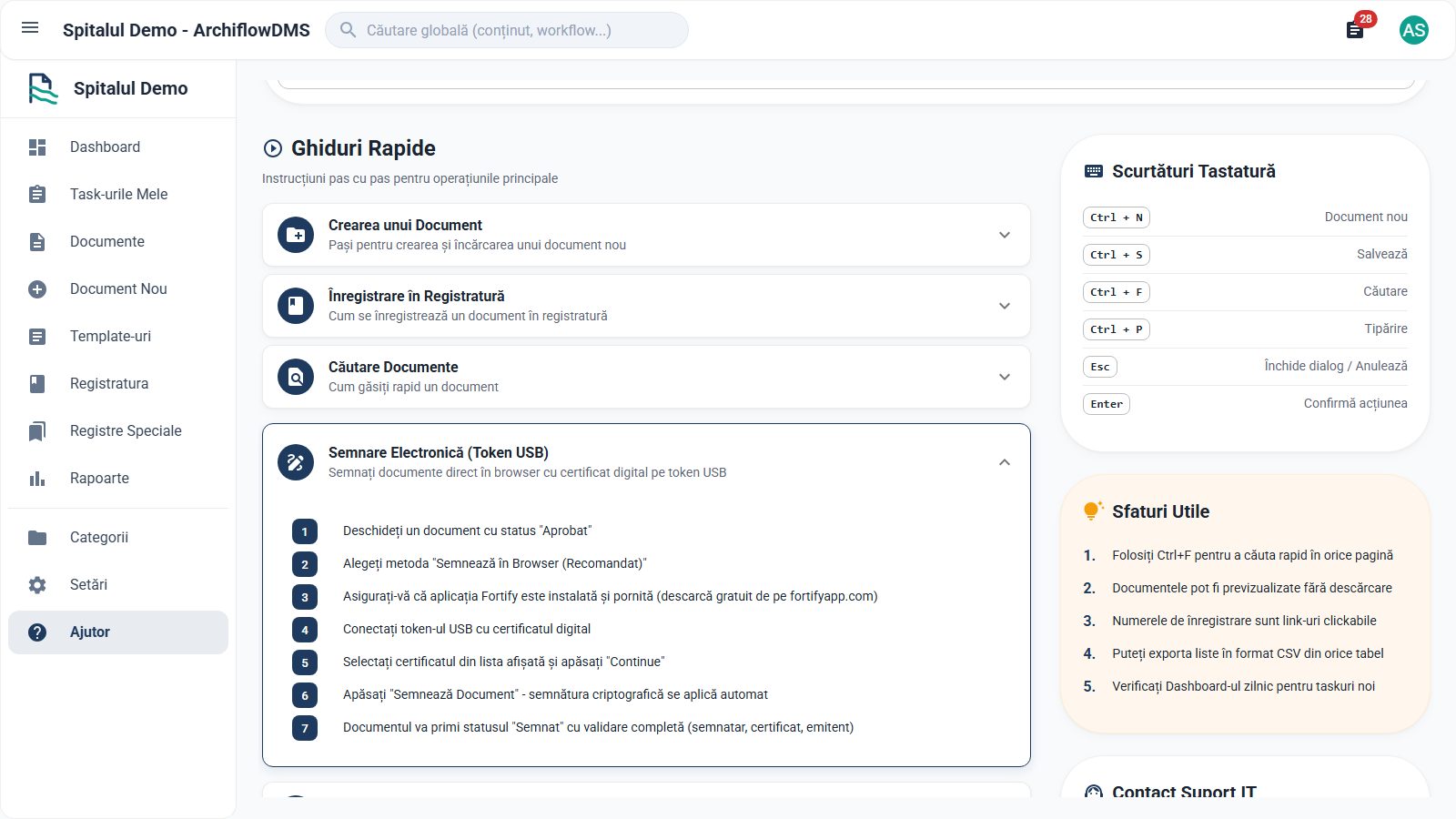
With a USB token directly in the browser, external signing validated on upload, or a handwritten signature on a tablet.

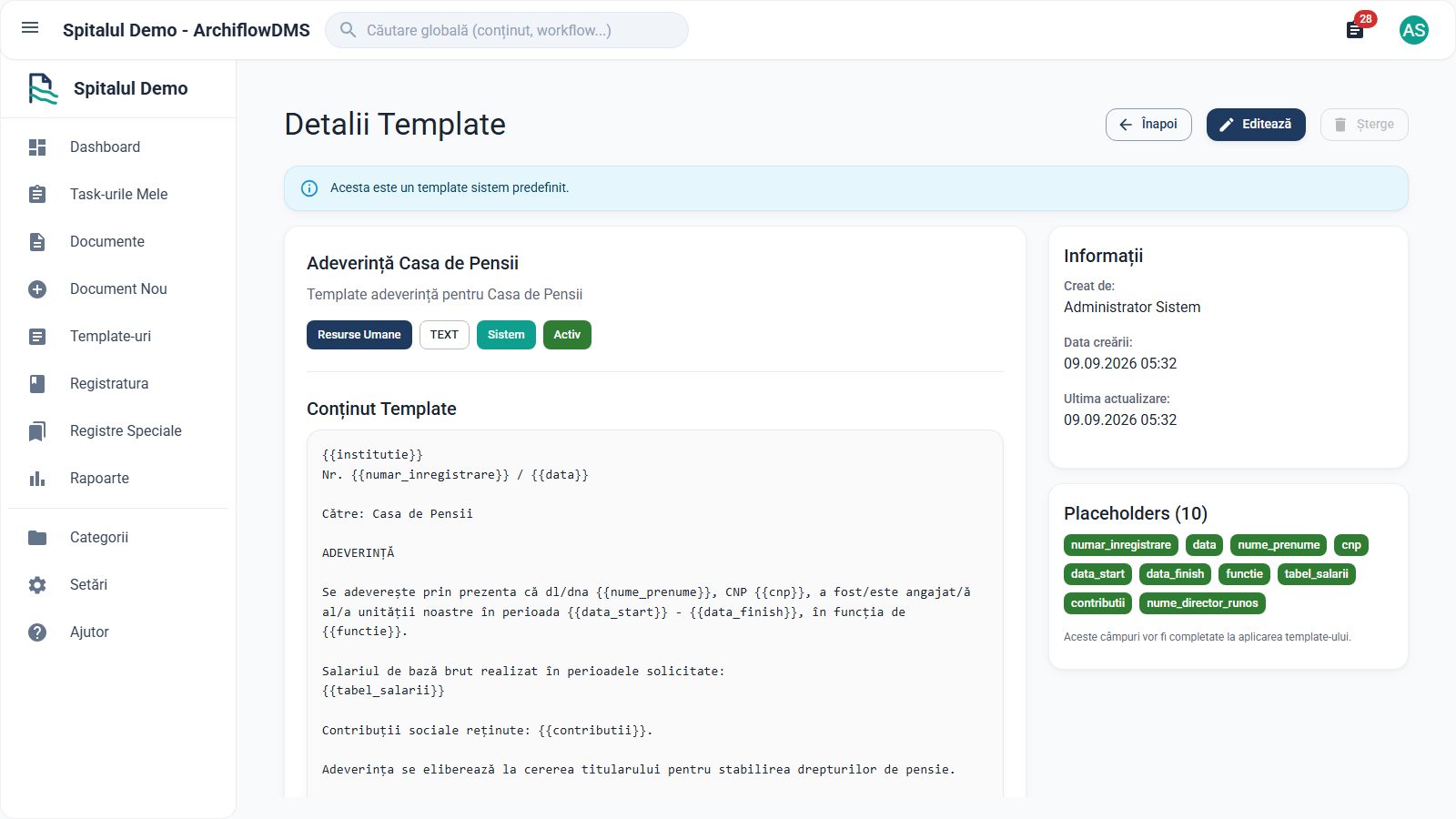
Text or DOCX documents with fields to fill in; they come out directly as PDF, with the institution's letterhead.

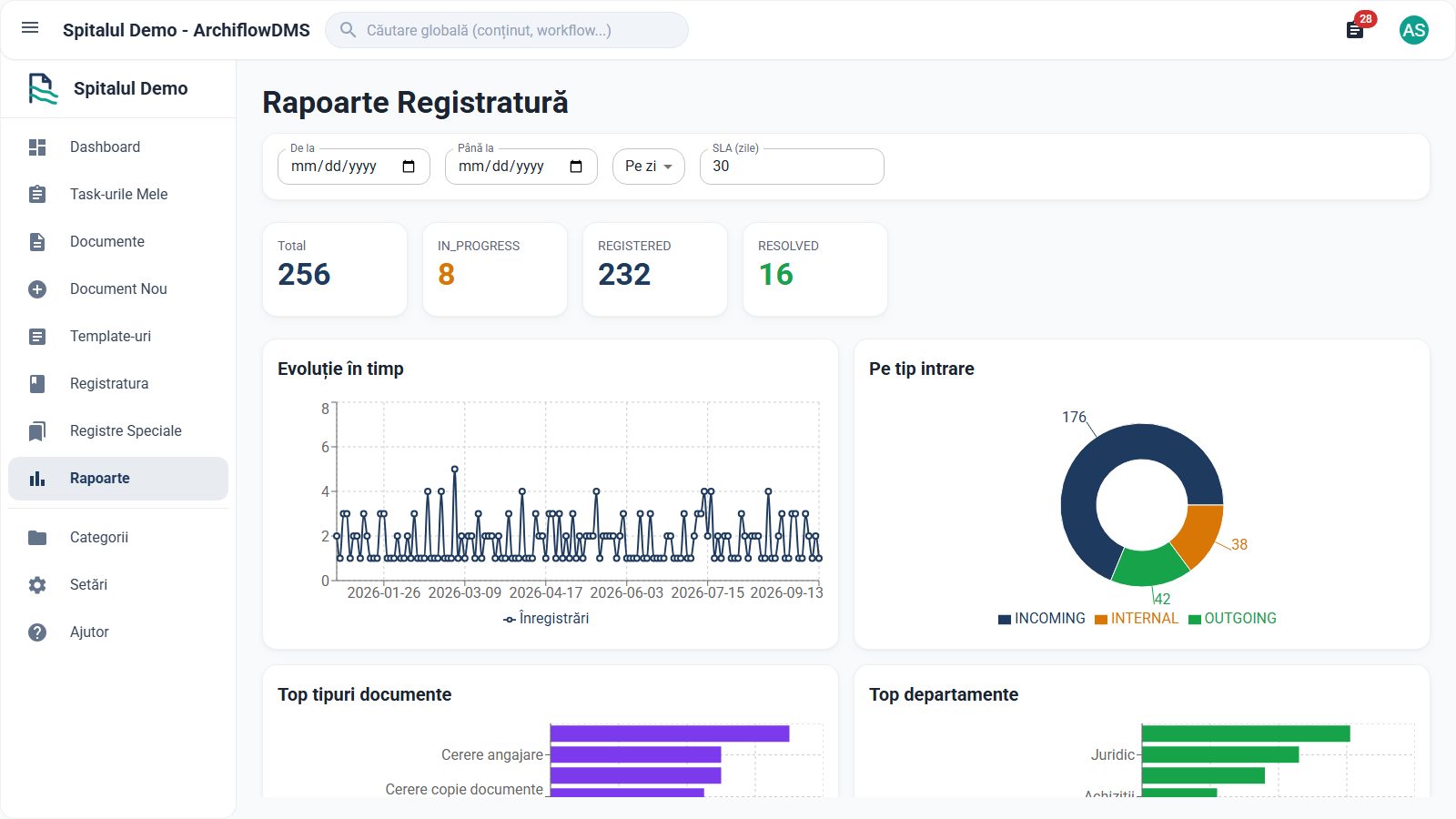
Trends over time, distribution by type and department, plus delays against the resolution deadline (SLA).

User, Manager, Administrator or Viewer — everyone sees exactly what they need, for their department.
Every document automatically receives a unique yearly number (for example IN-2026-0112, OUT-2026-0033 or INT-2026-0021), from the incoming, outgoing or internal registry.
The file is uploaded directly, or the document is generated from a text or DOCX template, with the institution's letterhead, directly as PDF.
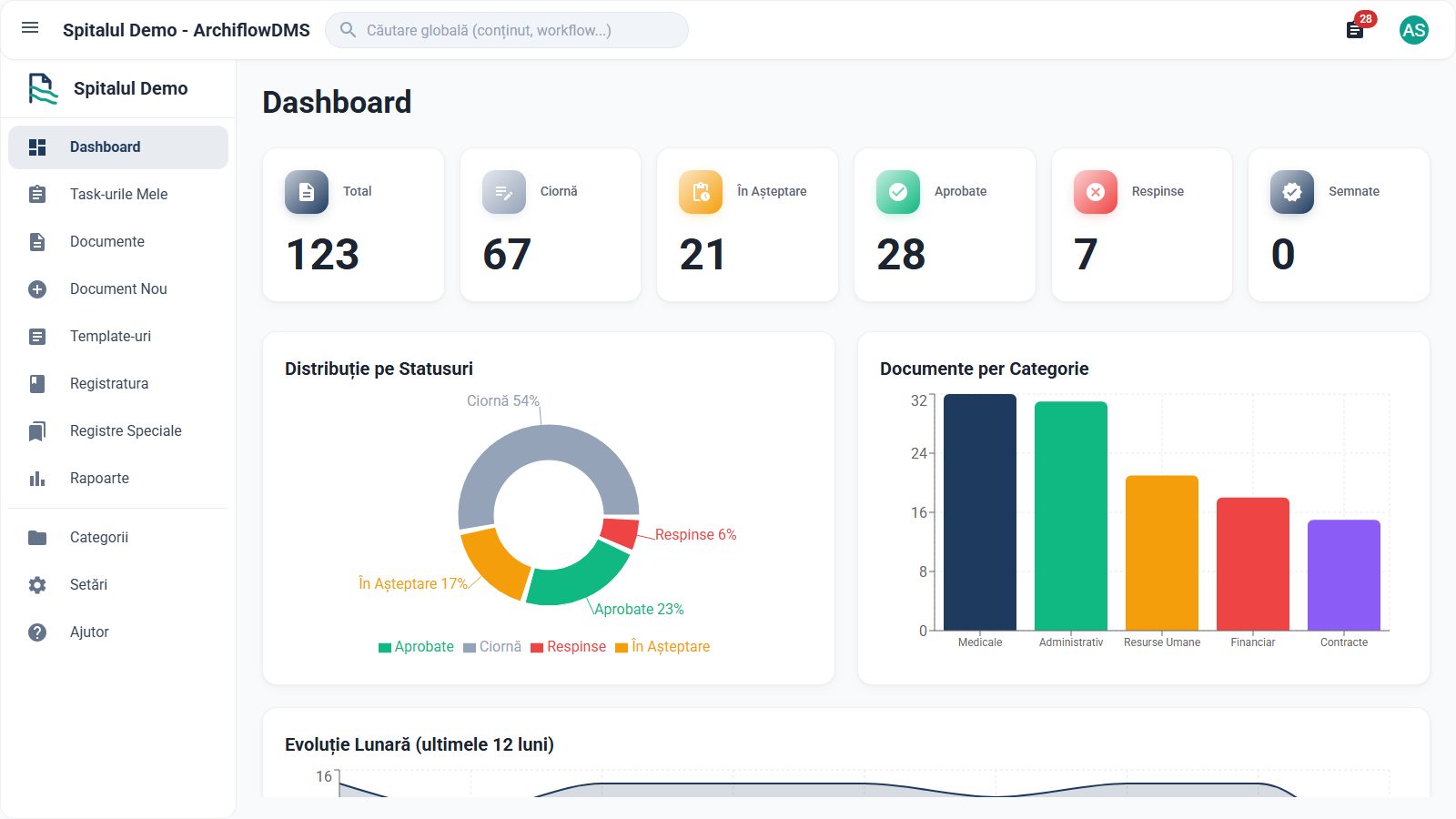
The document moves through Draft → Pending → Approved; the approver can approve, reject with a reason, or send it back for corrections, with a deadline and full history.
The approved document is signed electronically — USB token in the browser, externally signed and validated on upload, or a handwritten signature on a tablet — and moves to Signed.
Reports reflect the current situation — trends, distributions, delays against the deadline (SLA); the cycle ends with the Archived status.