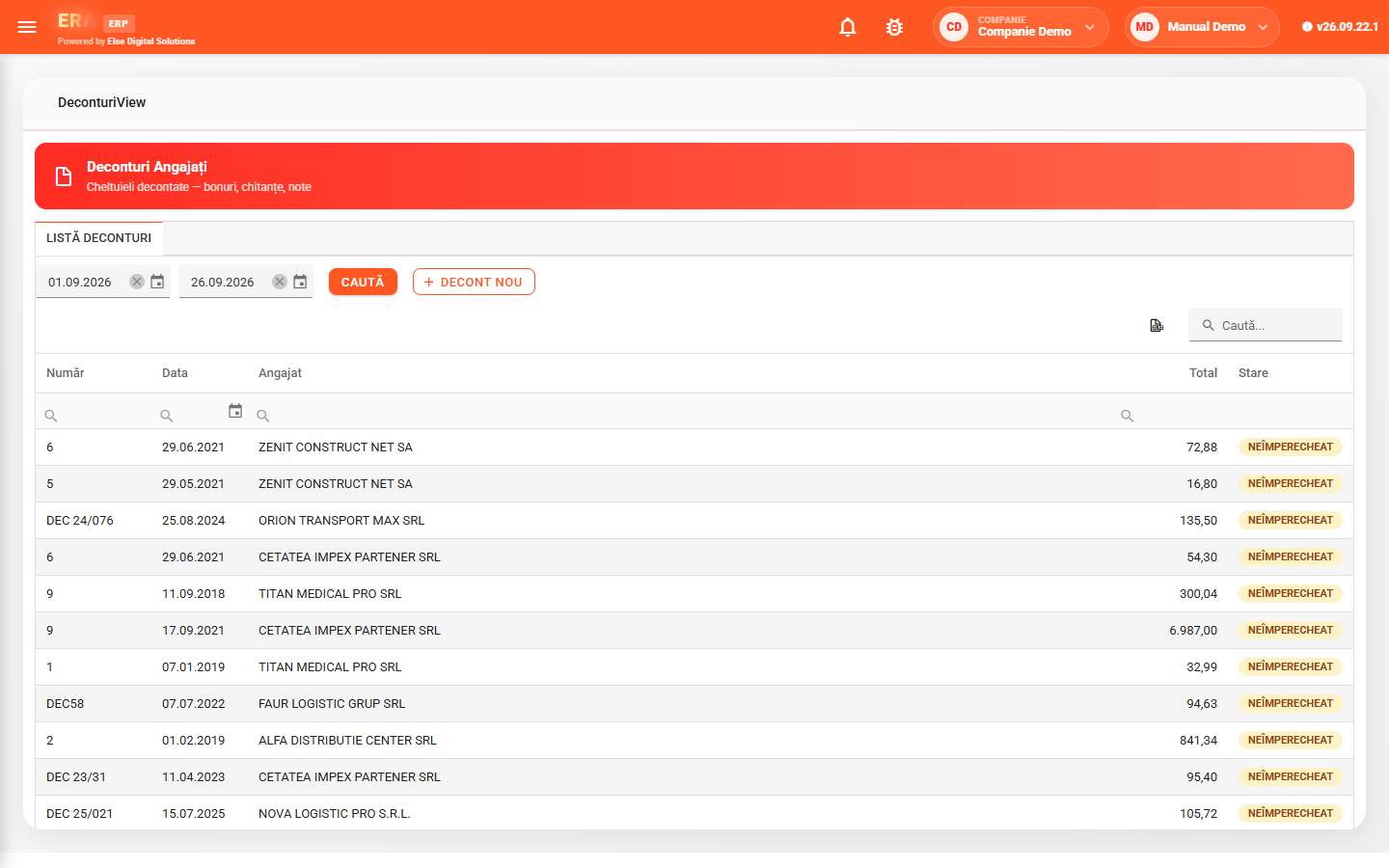
The Treasury module manages cash documents: bank and cash receipts and payments, commercial papers, employee expense reports and bank statement import.
For the chosen period, the bank and cash register shows number, date, due date, partner, total, VAT, description and the invoice matching status. Imported statements turn directly into documents, with partner and accounting category filled in automatically.
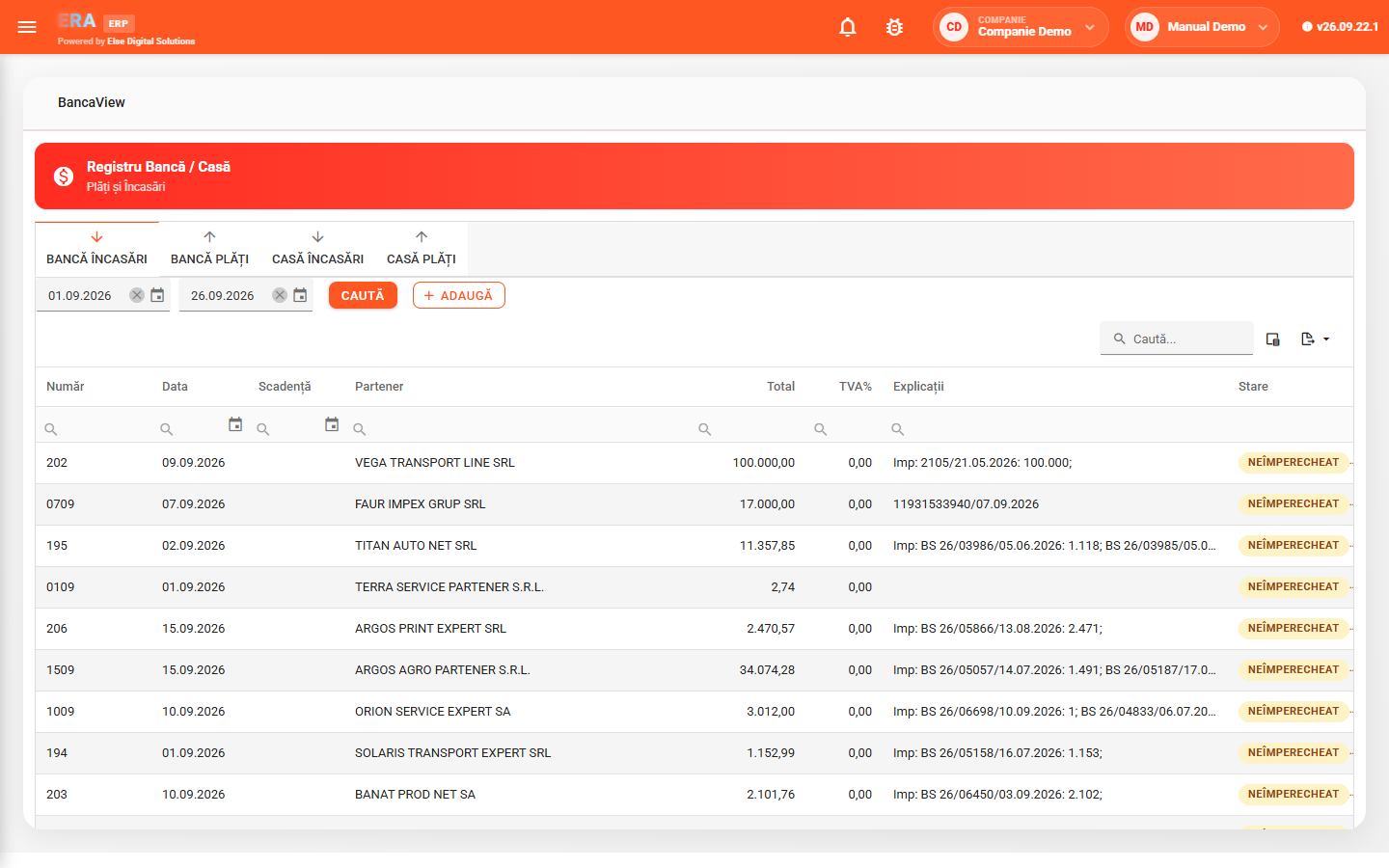

Four tabs — bank receipts, bank payments, cash receipts, cash payments — each with the period's documents and their status.

From the treasury document you match the paid invoices and confirm the document; the list shows what is still unmatched.

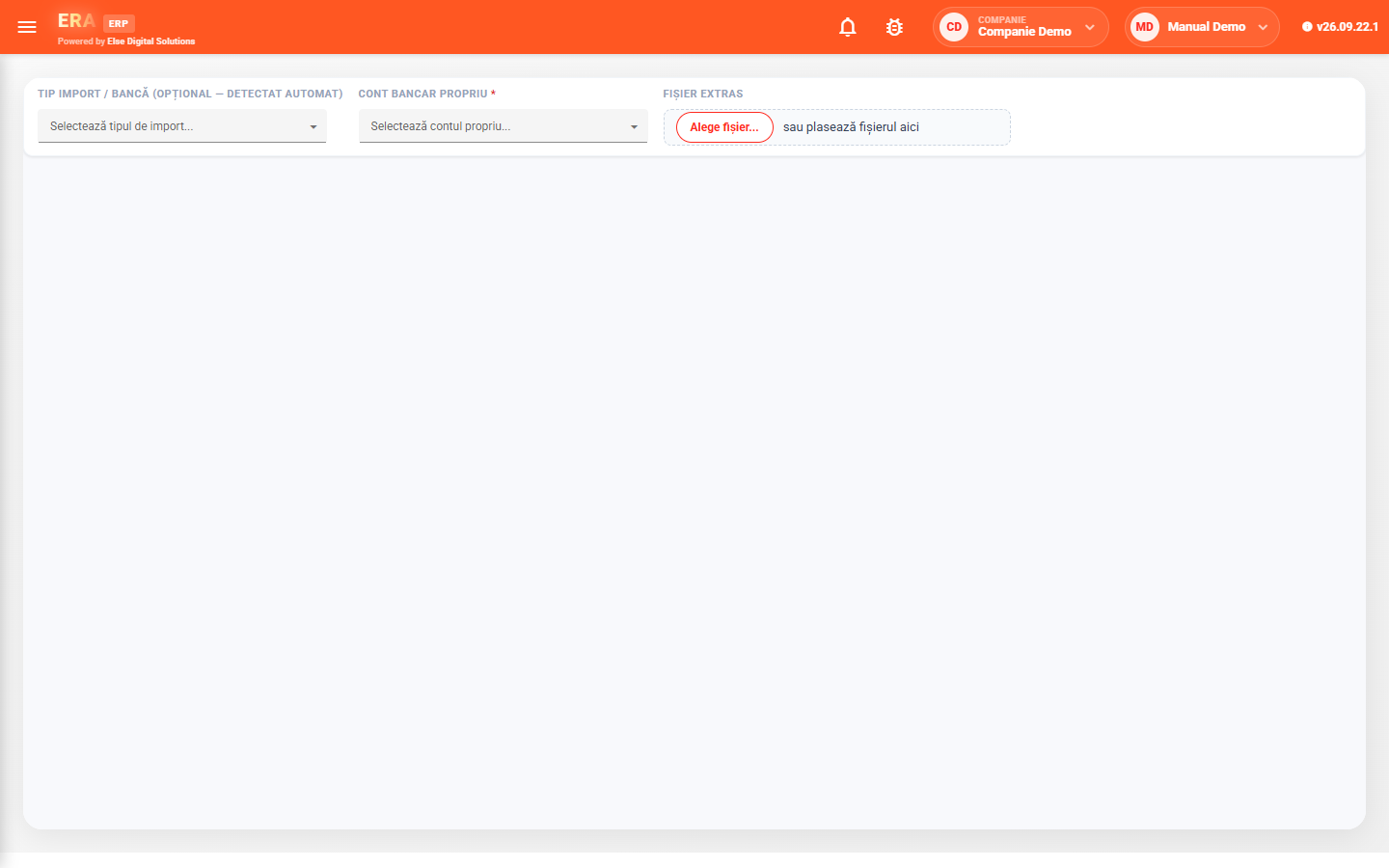
MT940, MT942, CSV, Excel, Treasury or courier formats, with automatic detection of the import type.

On each statement row, partner, document type and accounting category are filled in from IBAN, tax ID, name, rules, history or AI.

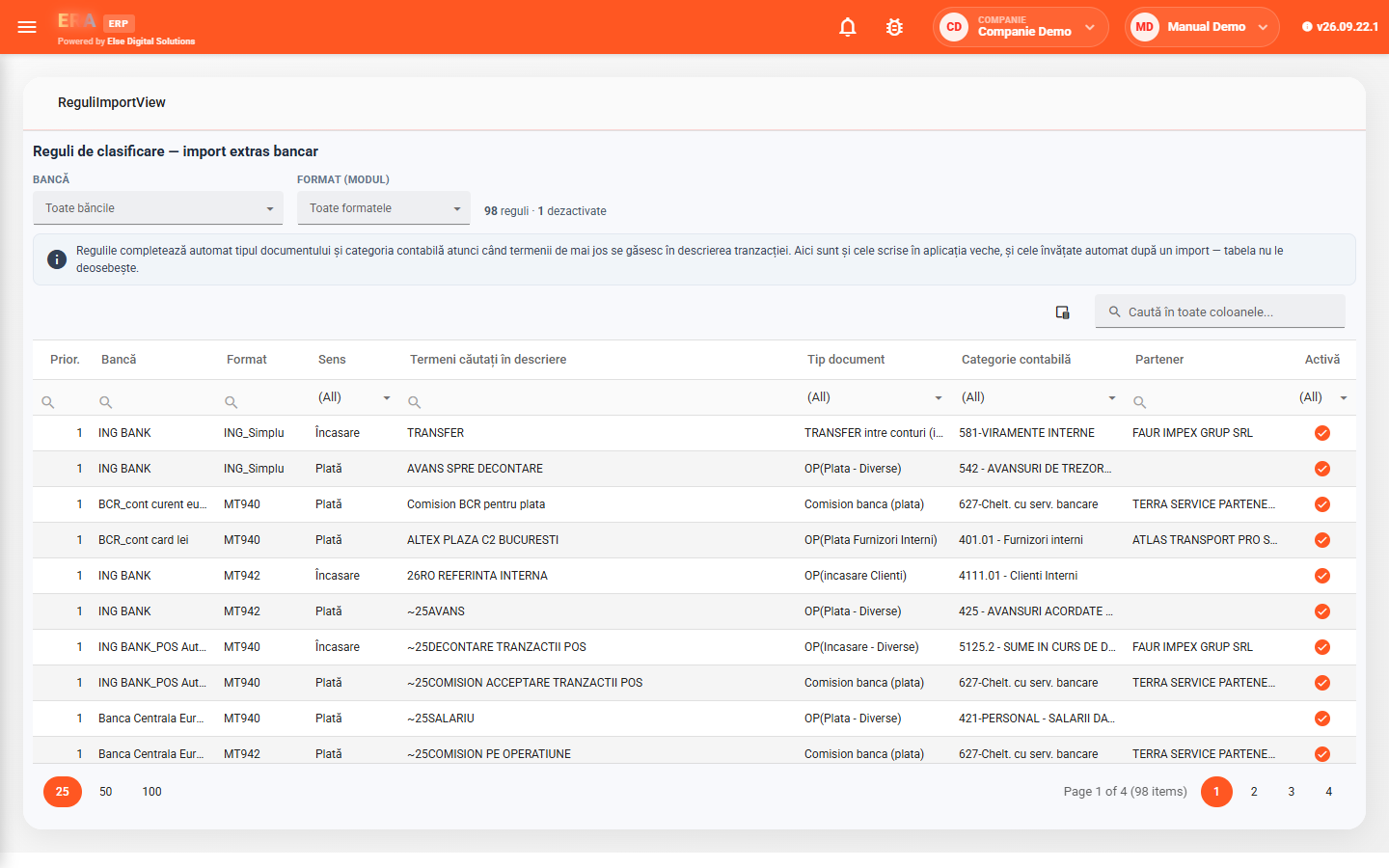
Classification rules work on keywords in the transaction description, per bank, format and direction; new rules are learned from confirmed imports.

Cheques, promissory notes and bills of exchange, plus employee expense reports with supporting documents, in the same module.
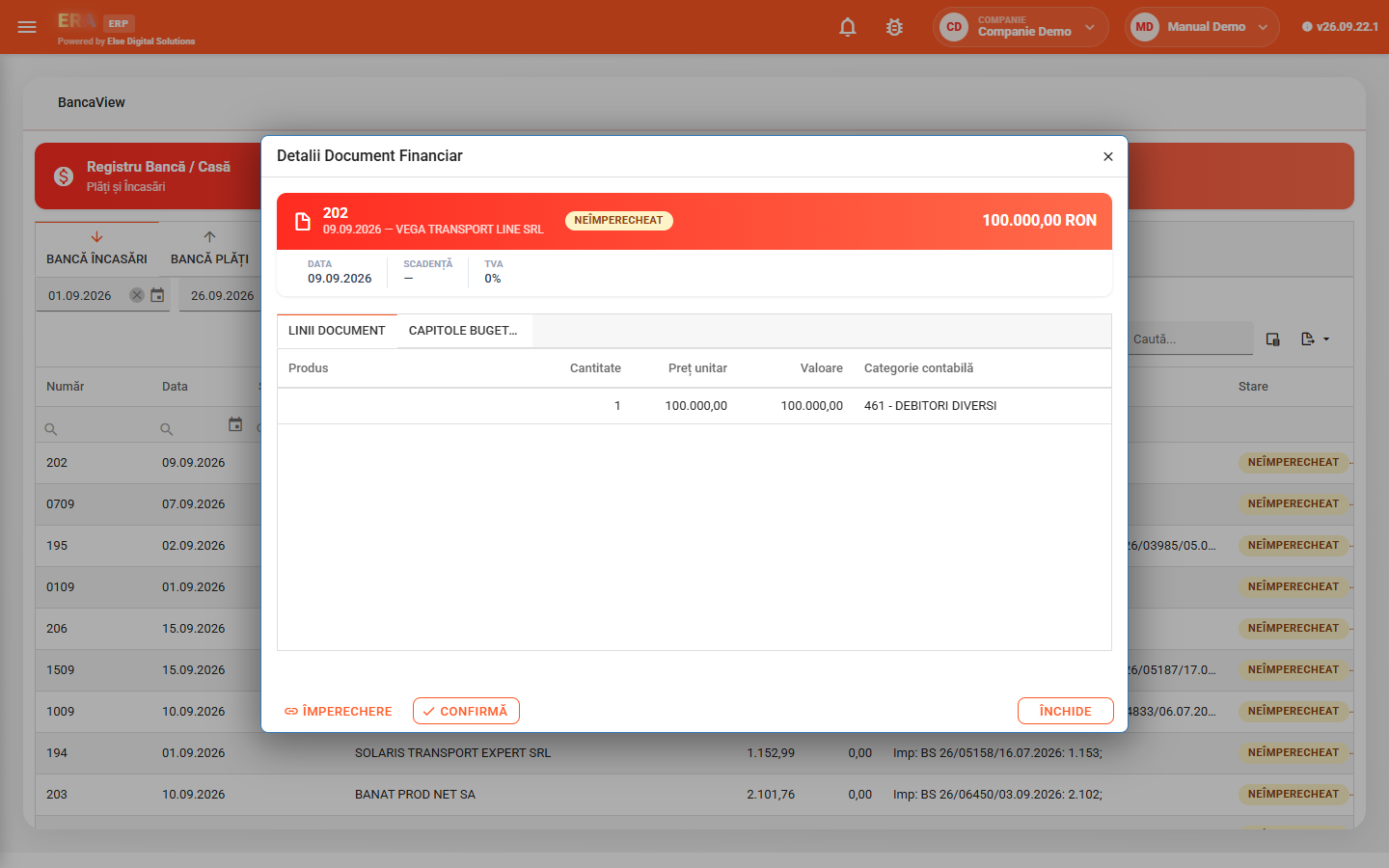
Double-clicking a document opens its card: partner, total, status, lines with accounting category and budget chapters. From the card you match paid invoices and confirm the document.
Choose the import type (or let it be detected) and your bank account, upload the file and review the proposed rows. Correct only the incomplete rows and click Import — the created documents can be matched right away.
Rules fill in the document type and accounting category from description keywords, per bank, format and direction (receipt or payment). You can filter, correct or disable them.
Employee expense reports have number, date, employee, total and status, with lines and supporting documents. Commercial papers are recorded and confirmed for the chosen period.