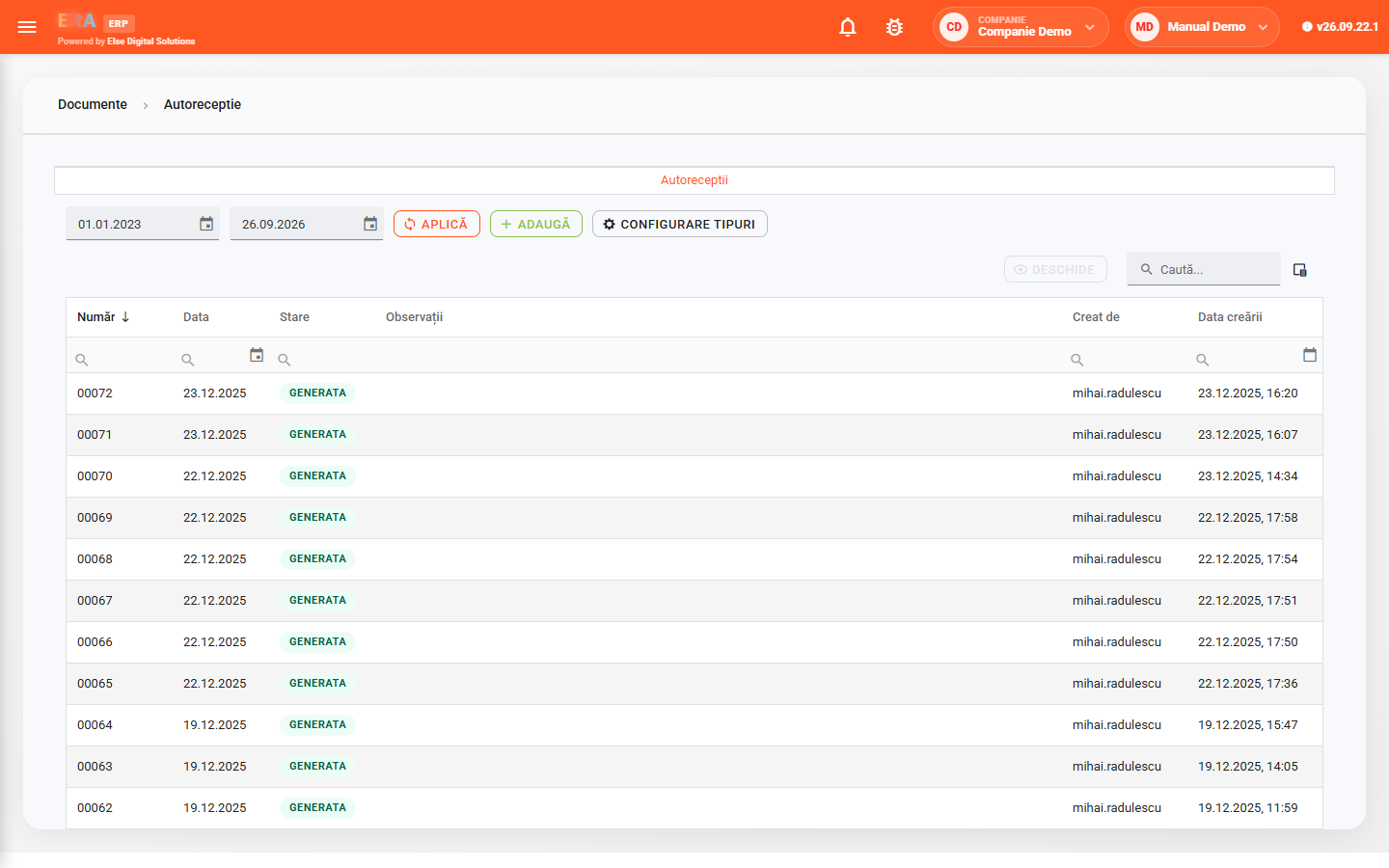
The Documents module centralizes the company's operational and financial documents: supplier and customer invoices, delivery notes, goods receipts, consumption and transfer notes, bank and cash documents and generated journal entries.
Each document has a header — type, number, date, partner, warehouses — and lines with products, quantities, prices and values. The list is filtered by type, category, partner, warehouse and status and exported to Excel.
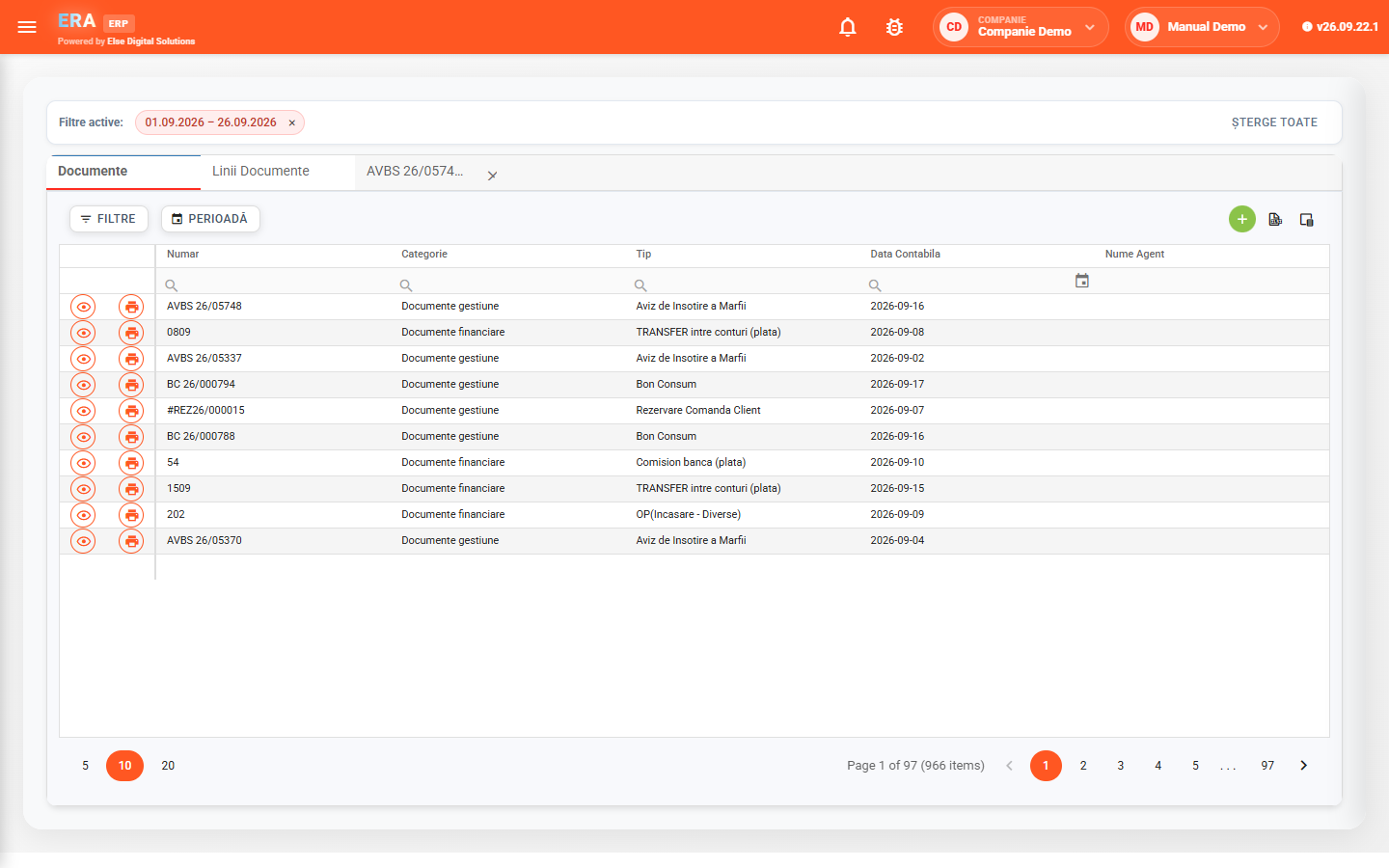

Inventory documents, invoices, treasury and accounting documents are in the same list, for the active period, with number, category, type, accounting date and agent.

The filter panel narrows the list by type, category, partner, warehouse and status; choose the visible columns and export to Excel.

For types with a series, the document number is generated on save; for received documents you enter the number from the original.

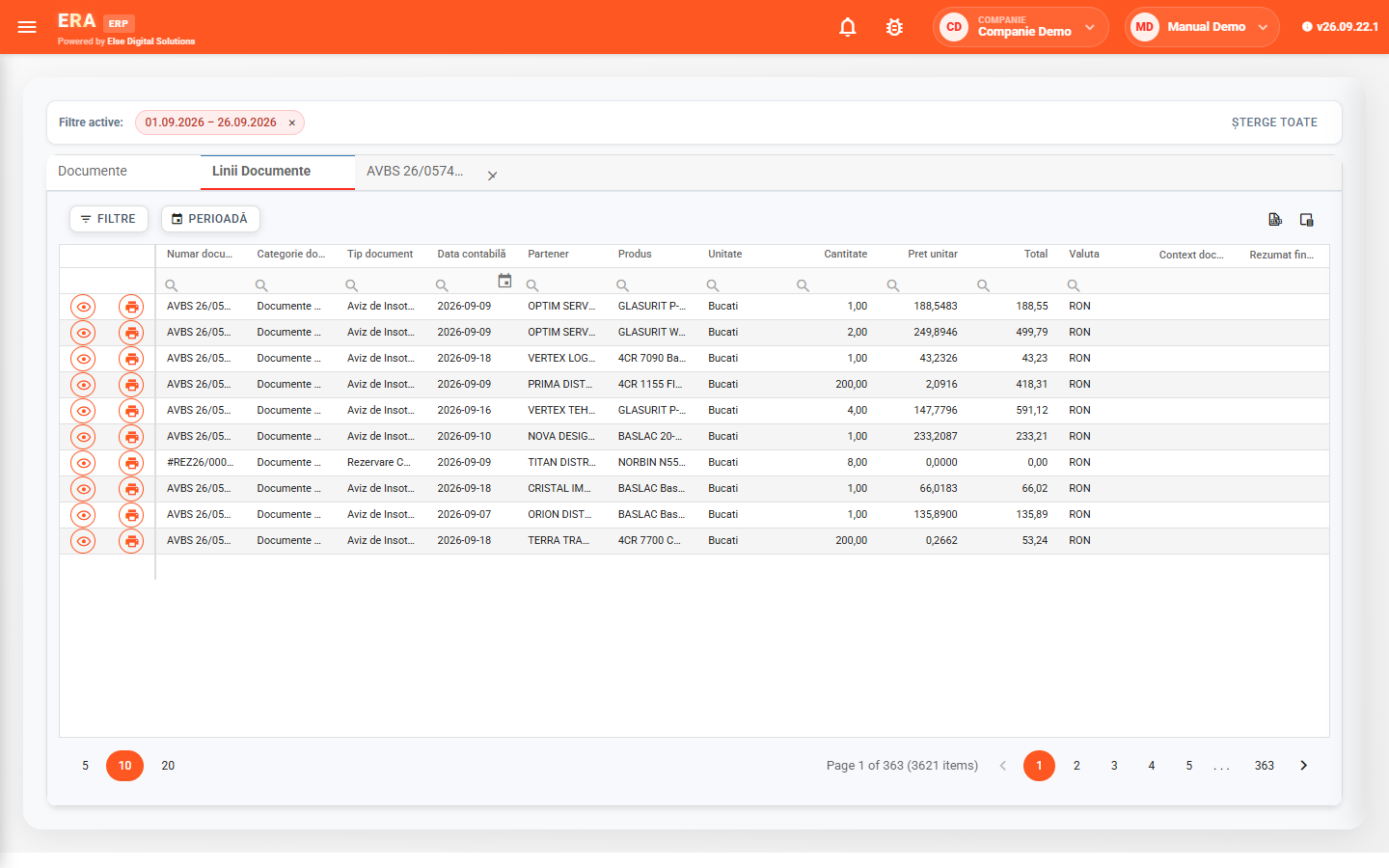
The Document lines tab shows the lines of every document in the period — partner, product, warehouse, quantity, price — to follow a product or a partner.

Line search works directly on the whole document history, with server-side paging, without loading everything on screen.

Production receipts record the raw materials consumed and the finished products, with input and output warehouses.
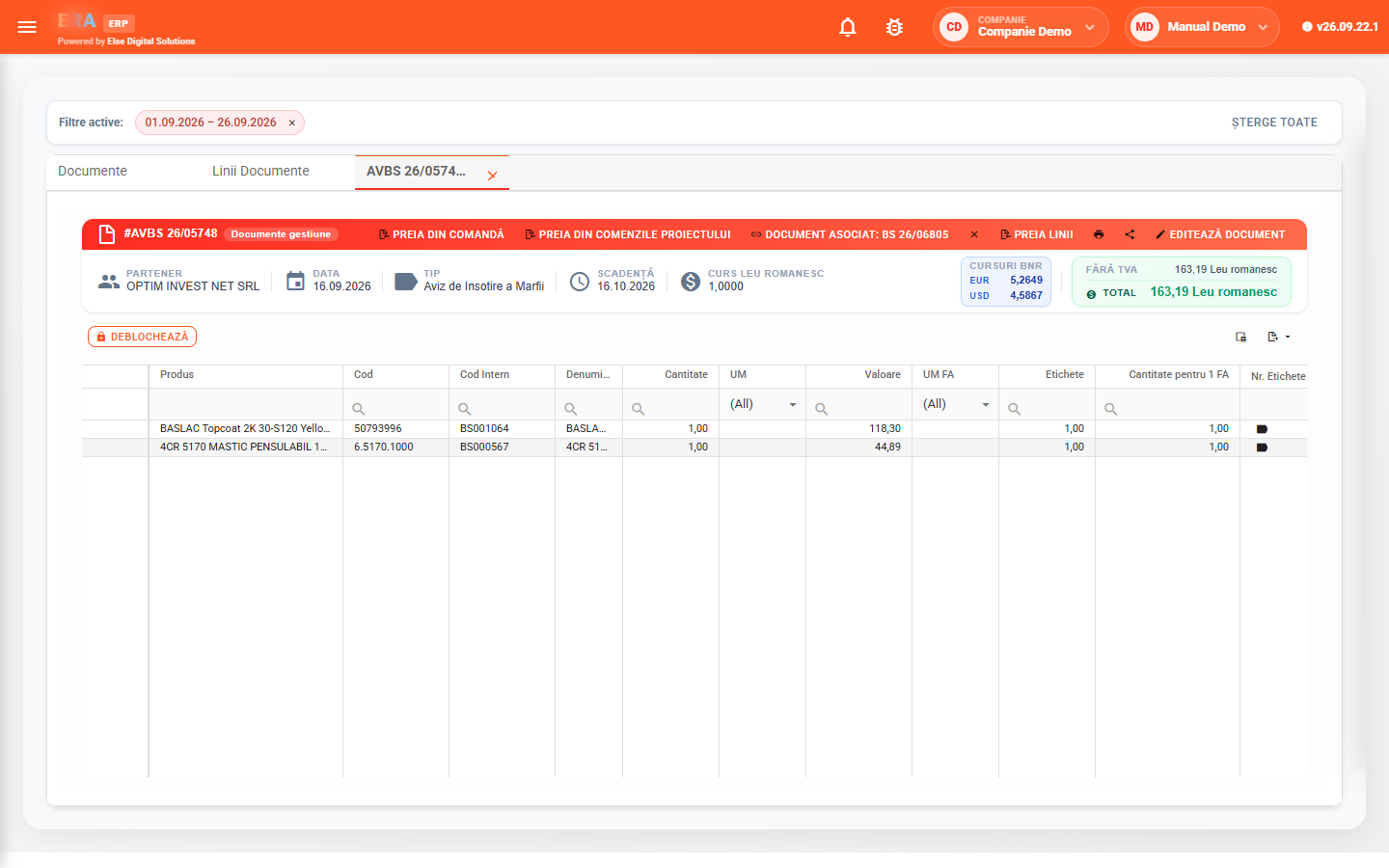
The header shows type, number, date and status, the action buttons — cancel, generate related documents, post to accounting — and the summary: partner, due date, total without and with VAT, in local and foreign currency.
Below are the lines, with columns depending on the document category.
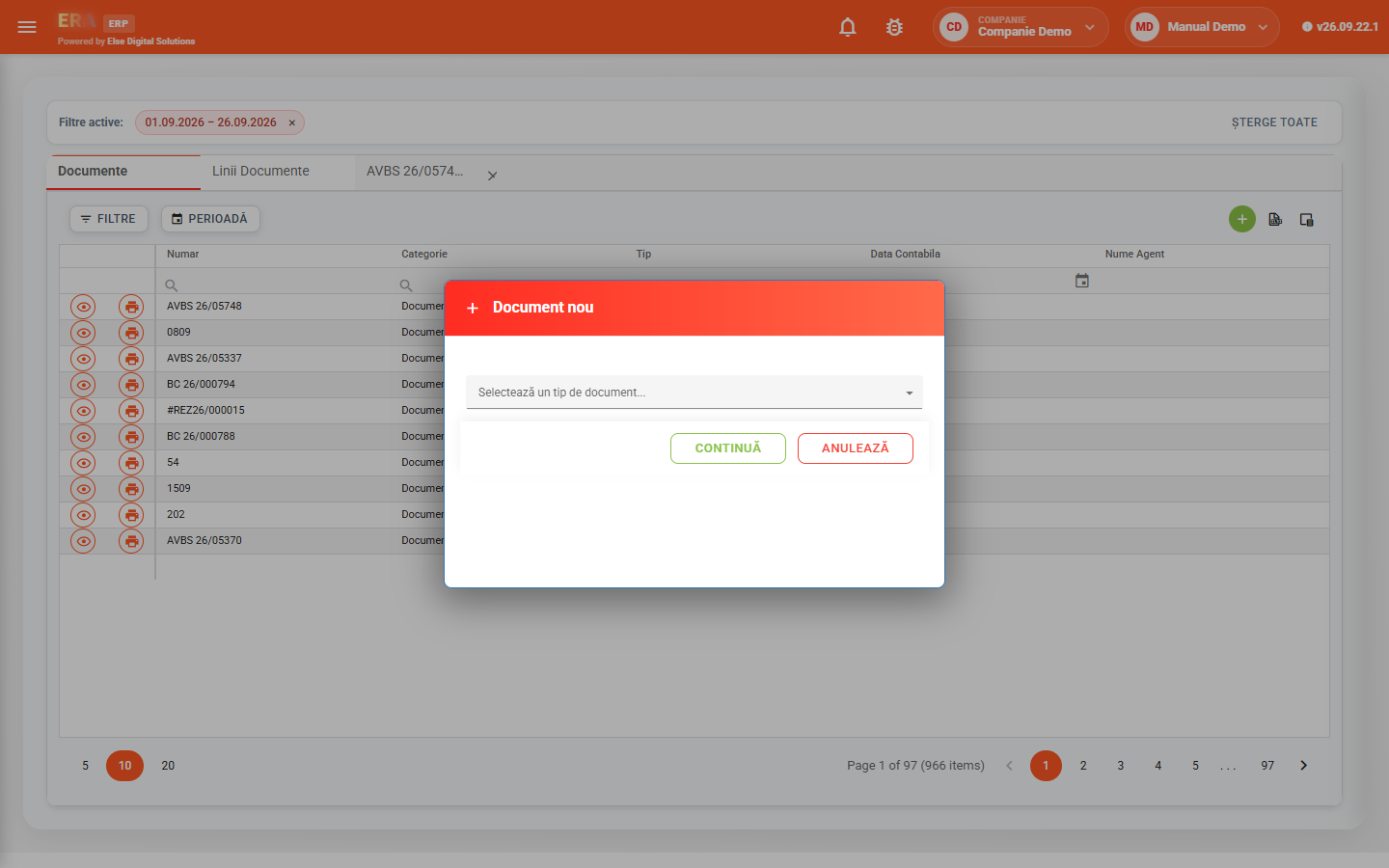
Choose the type from the list — invoice, delivery note, voucher, treasury document — and the form for that type opens. Fill in the partner, date, warehouses and lines.
The lines of all documents in the period, with partner, product, warehouse, quantity, unit price, total and currency. Line search covers the whole history.
A production receipt has date, input and output warehouses, currency, exchange rate and two lists: raw materials consumed and finished products. The document types it generates are configurable.