The Accounting module holds journal entries, entry search, the expense schedule, accounting categories, automatic entry generation and balance sheet configuration.
Accounting entries are proposed automatically from the month's documents, and accounting categories link products and services to accounts. Entries in a closed period can no longer be changed.

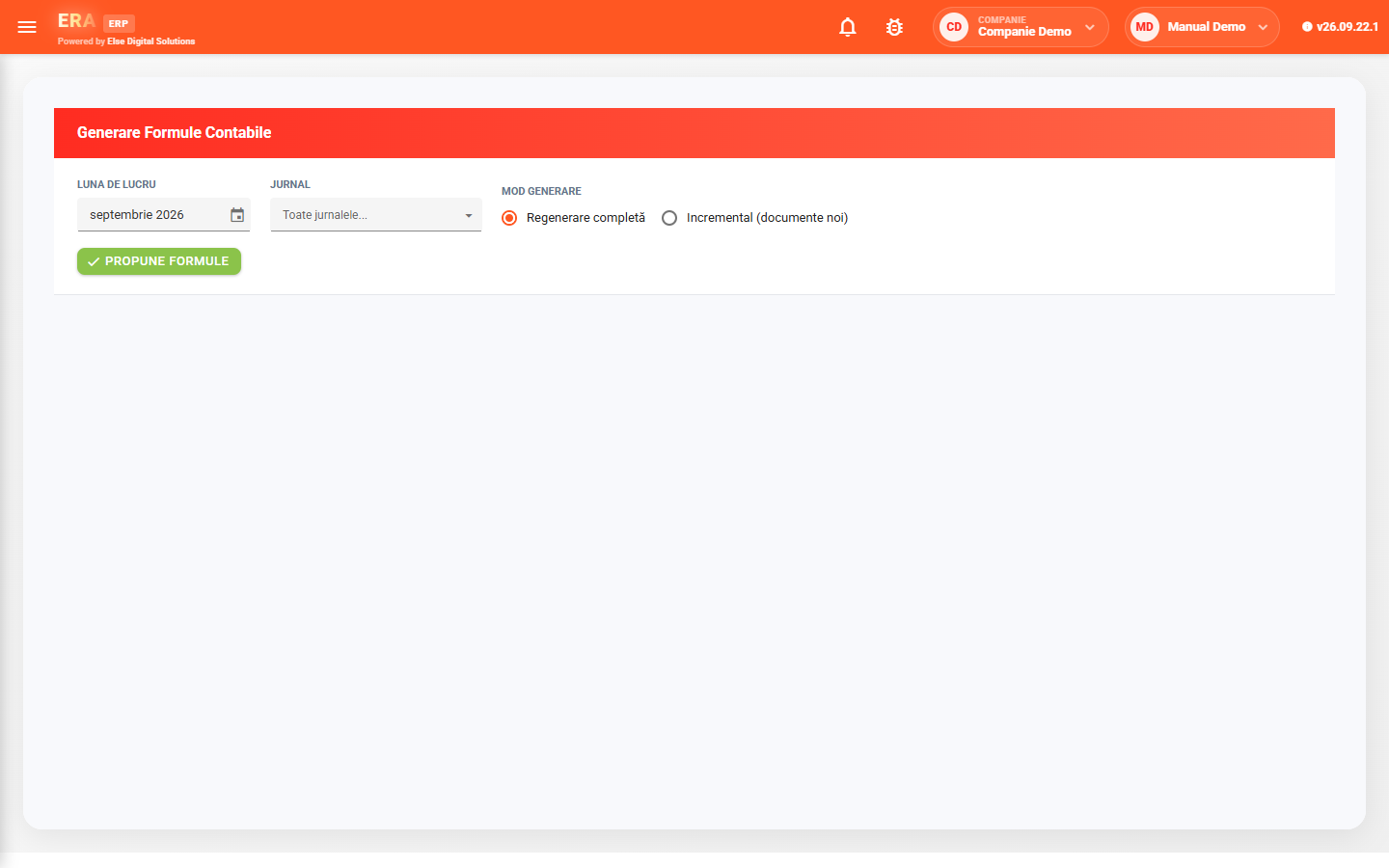
Choose the month and, optionally, the journal; the application proposes the accounting entries for the period's documents, and you review and apply them.

Generation runs as a full regeneration or incrementally, only for documents added since the last run.

If a journal entry's accounting period is closed, the entry and its lines can no longer be changed.

Search entries by interval, document number, debit account and credit account; the result has the total on the last row.

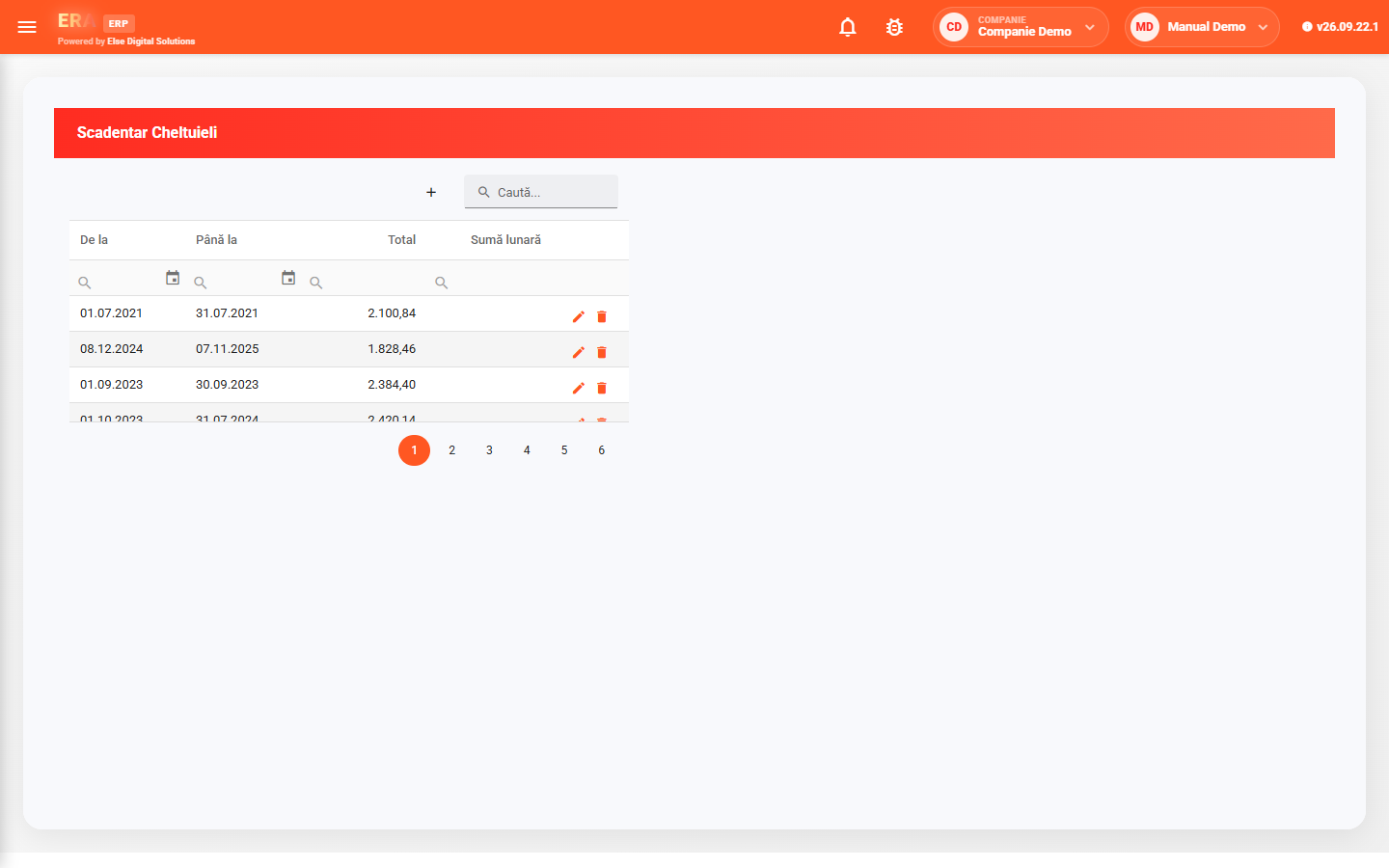
The schedule spreads an expense over several months — for example an insurance paid yearly — and generates the monthly lines.

Accounting categories link products and services to accounts; they are added and edited straight in the grid.
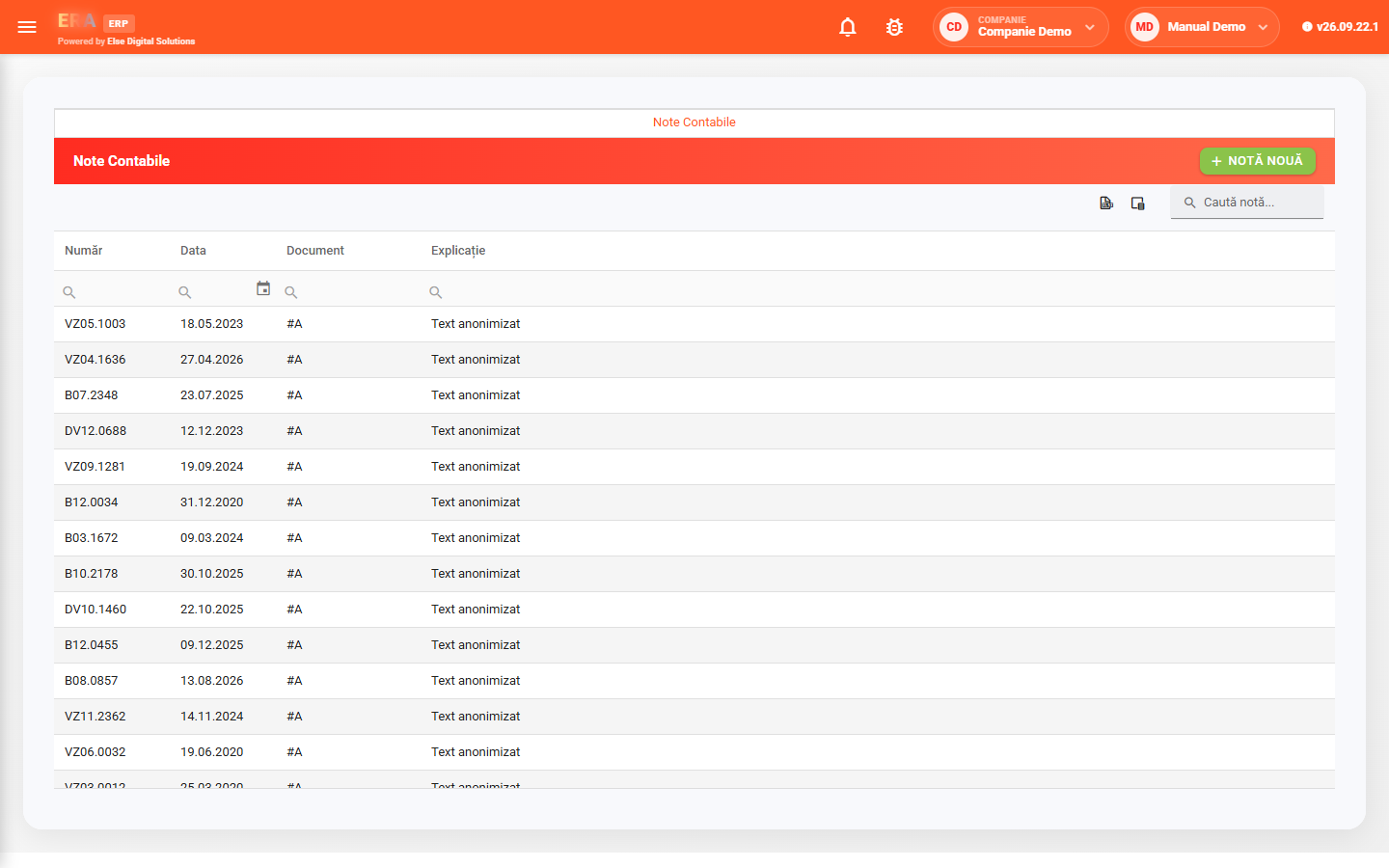
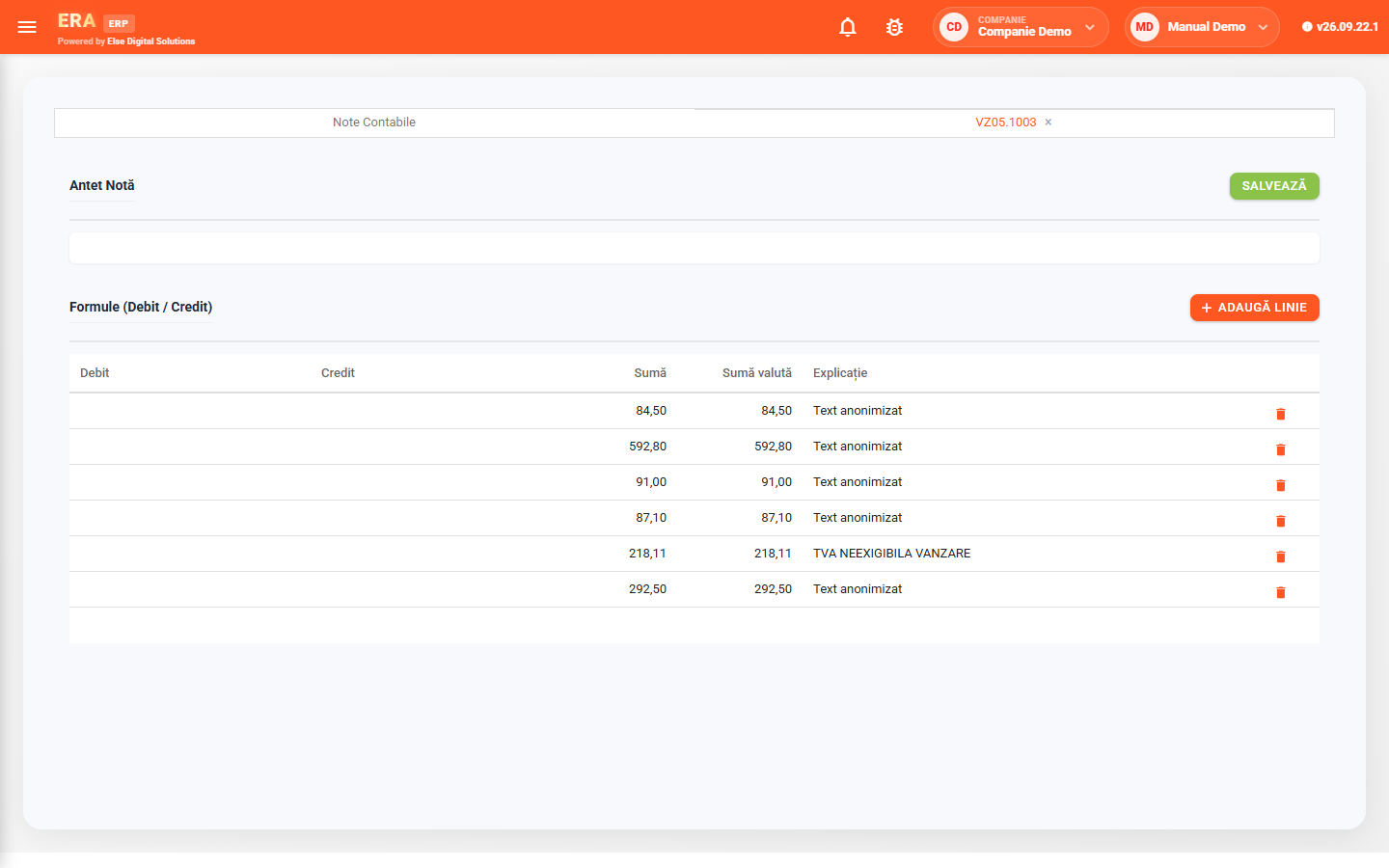
The list has each entry's number, date, document and description. An open entry shows its lines: debit account, credit account, amount, foreign currency amount and description; a manual entry is added with New entry.
Choose the working month and journal, the mode — full regeneration or incremental — click Propose entries, review the proposal and apply it.
Each row in the expense schedule has its period and total amount; the monthly lines are generated from its details.
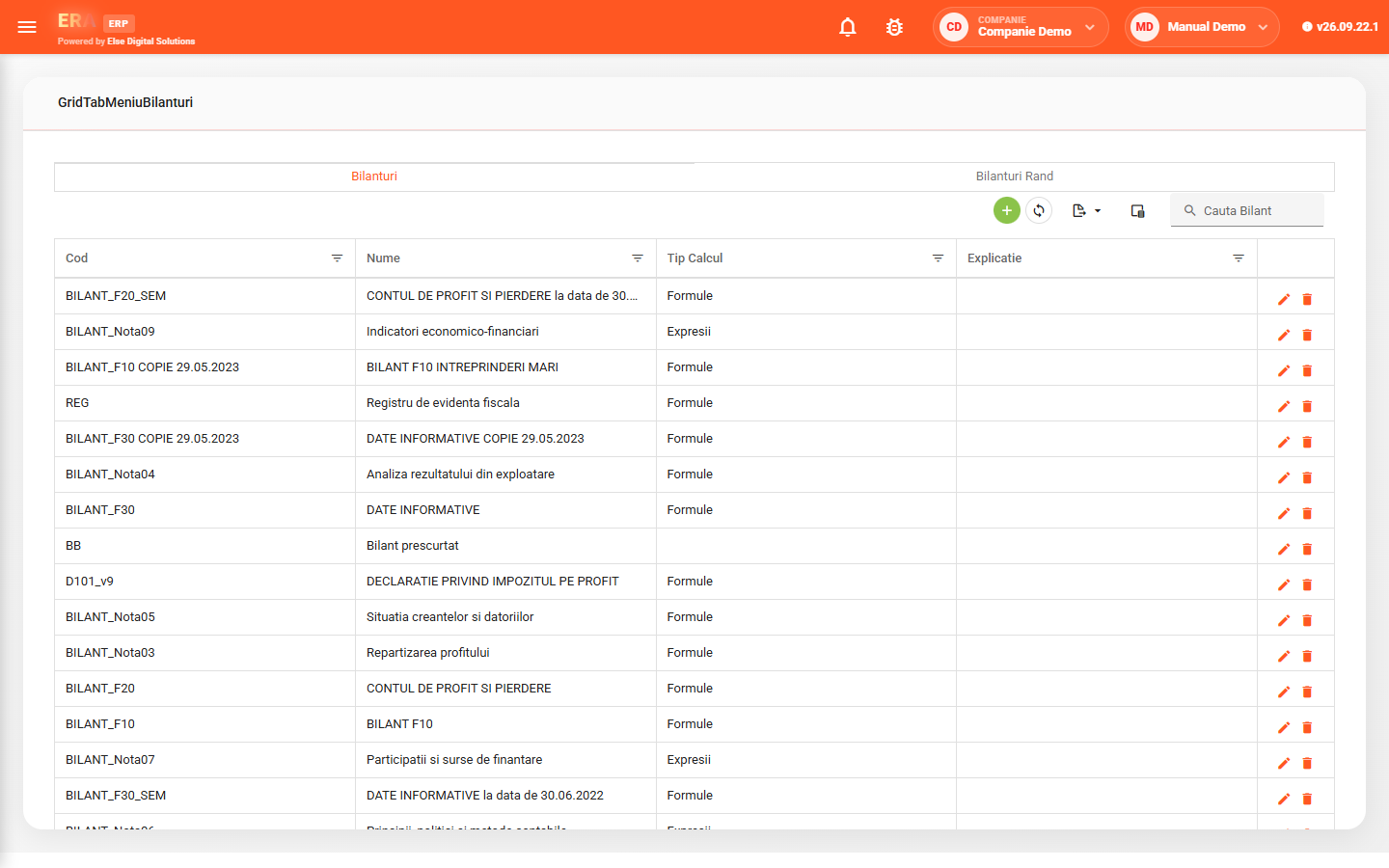
Financial reporting templates have code, name and calculation type (formulas or expressions), and each balance sheet defines its rows and their formulas.