The Cash Flow report analyses receipts, payments and bank balances: the estimated trend of receipts and payments for the chosen number of days and the balance of each bank account.
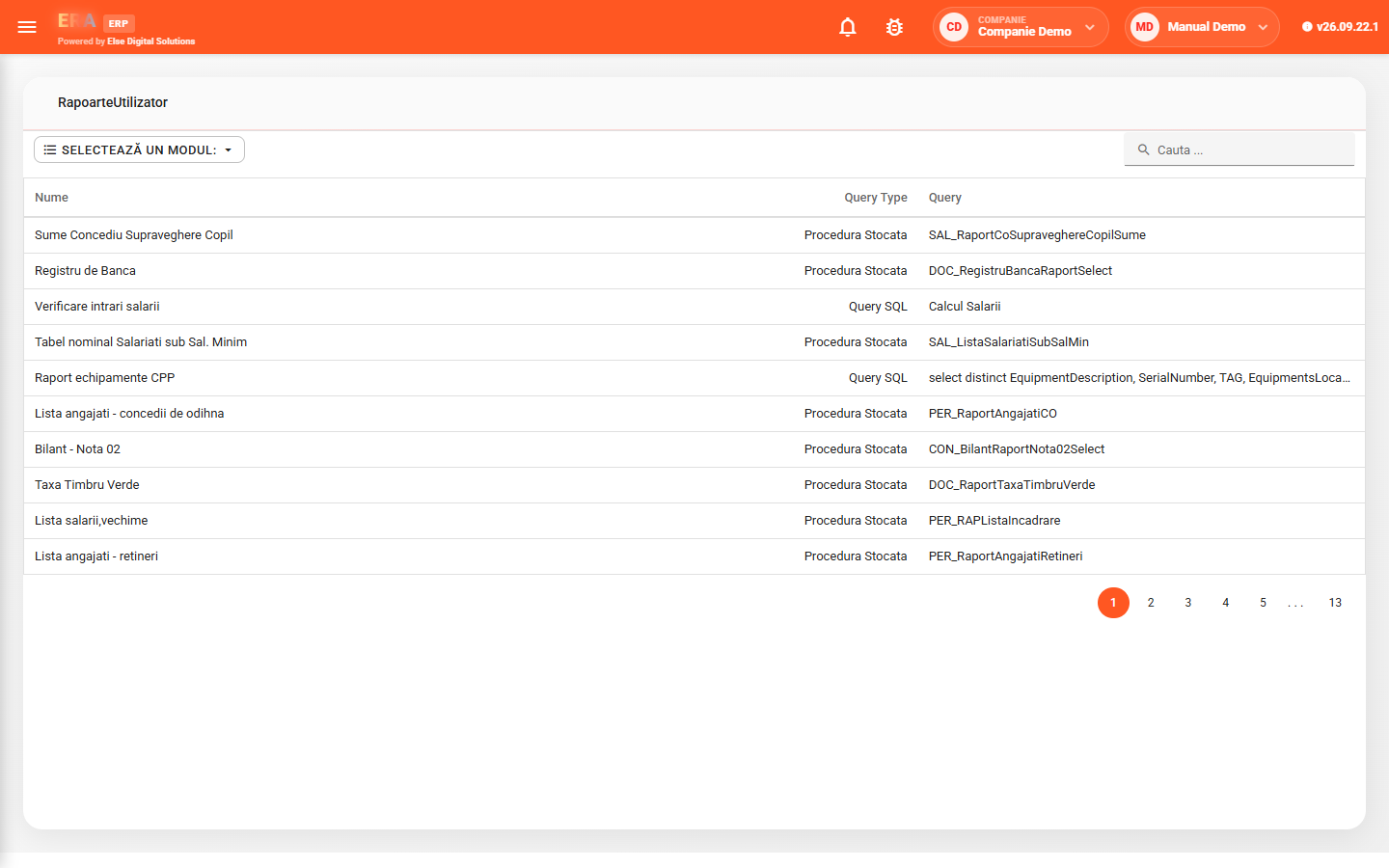
Company-specific reports are filtered by module, ask for parameters when opened and can be exported. Administrators manage users, work points, roles, rights and the company's operating parameters.
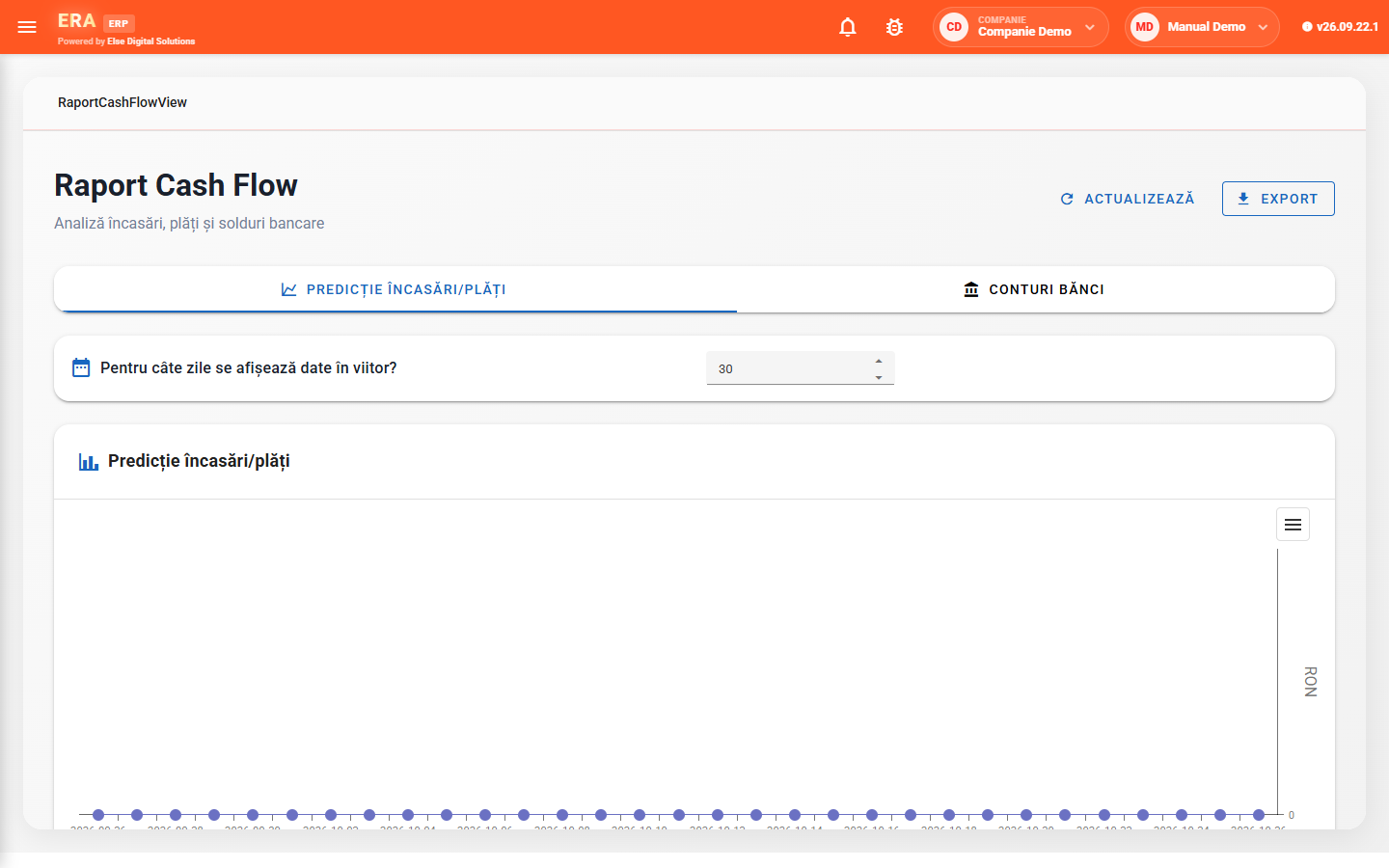

The Receipts/payments forecast tab shows the estimated trend for the chosen number of days; data is refreshed and exported.

The Bank accounts tab shows each account's balance, in the same report as the forecast.

Reports configured for the company (stored procedure or SQL query), grouped by module, with parameters and export.

Rights are granted as custom, per role and per user, in this order of priority; roles group common rights.

Each user has a linked agent and work point; the agent decides which opportunities and orders they see.

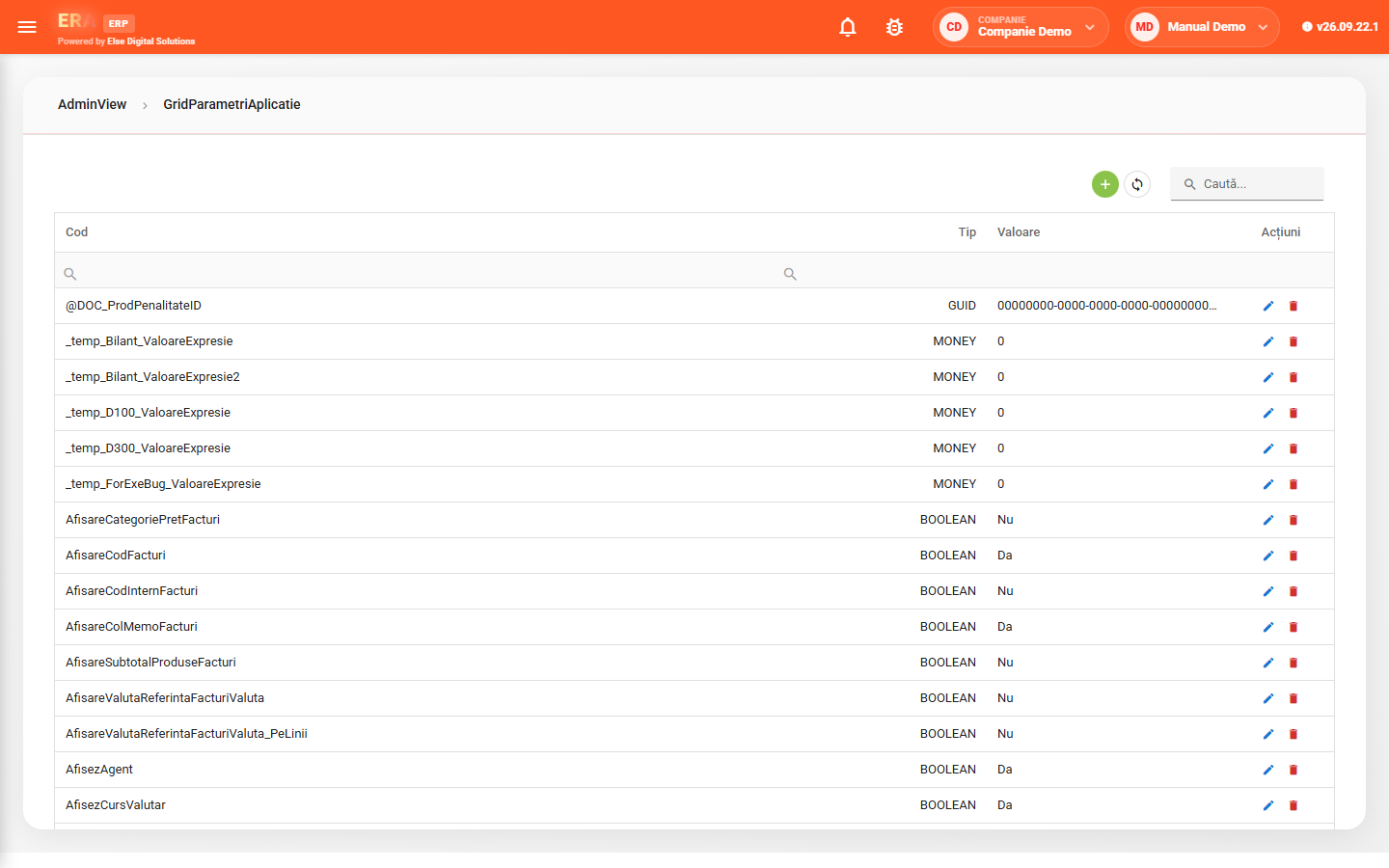
Default document types, what is shown on invoices and numbering journals are set from the application parameters.
The report list shows name, source type and source; choose the module, search the report by name, fill in the parameters and export the result.
Each parameter has a code, a type (text, boolean, number, identifier) and a value, editable in the grid. Changes apply to all users of the company.